Last updated: 2026-03-31
``` Note: Available only for new signups after the 31 March, 2026 release. If you signed up earlier, refer to the existing ITAM documentation. ```
Parts management offers granular control over individual components within your hardware. Parts can be inserted into dedicated part slots on a parent device, allowing for precise tracking of hardware upgrades and movements.
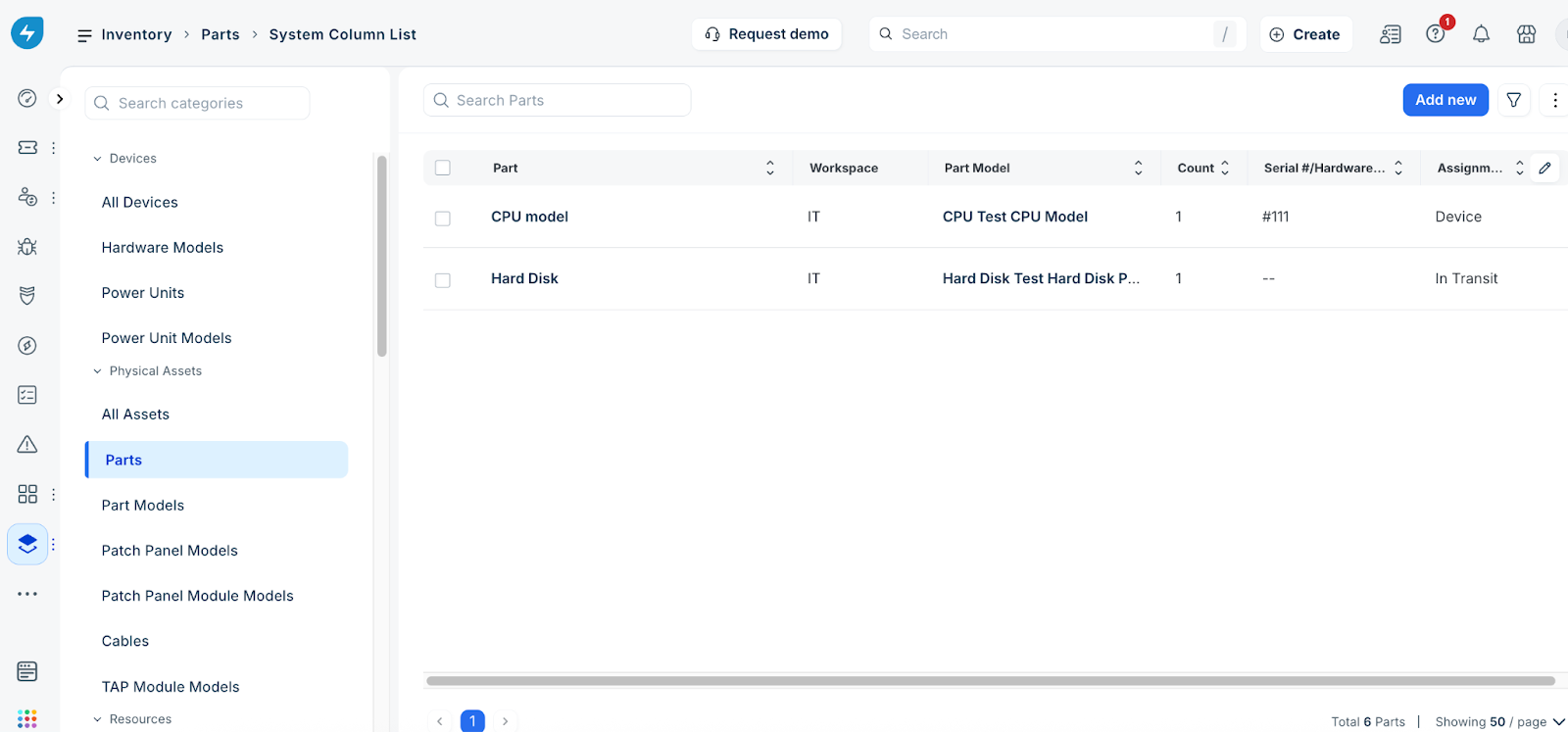
To manage your part inventory, go to IT asset management > Inventory > Parts. On the Parts page, you can view the list of part records, add a new record, filter existing records, and import part data.