Last updated: 2026-03-05
Source: https://support.freshservice.com/support/solutions/articles/50000011340-manage-journey-settings
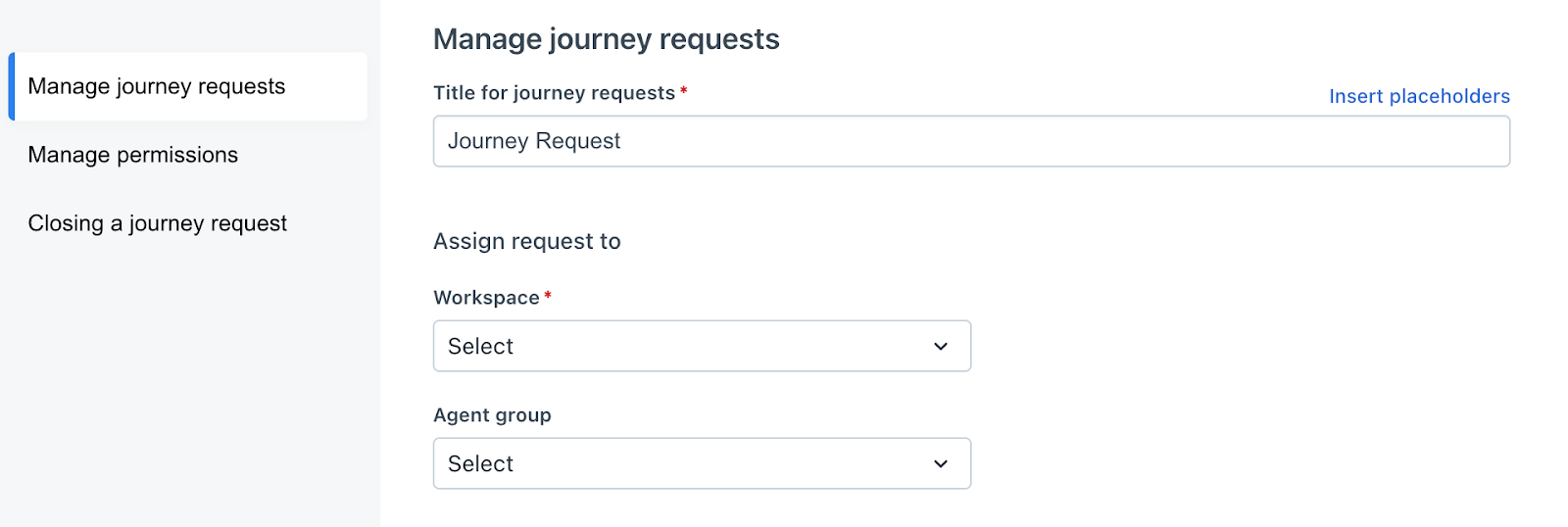
Use the settings at the Journey level to control various aspects of how the journey functions.

``` Notes:
```
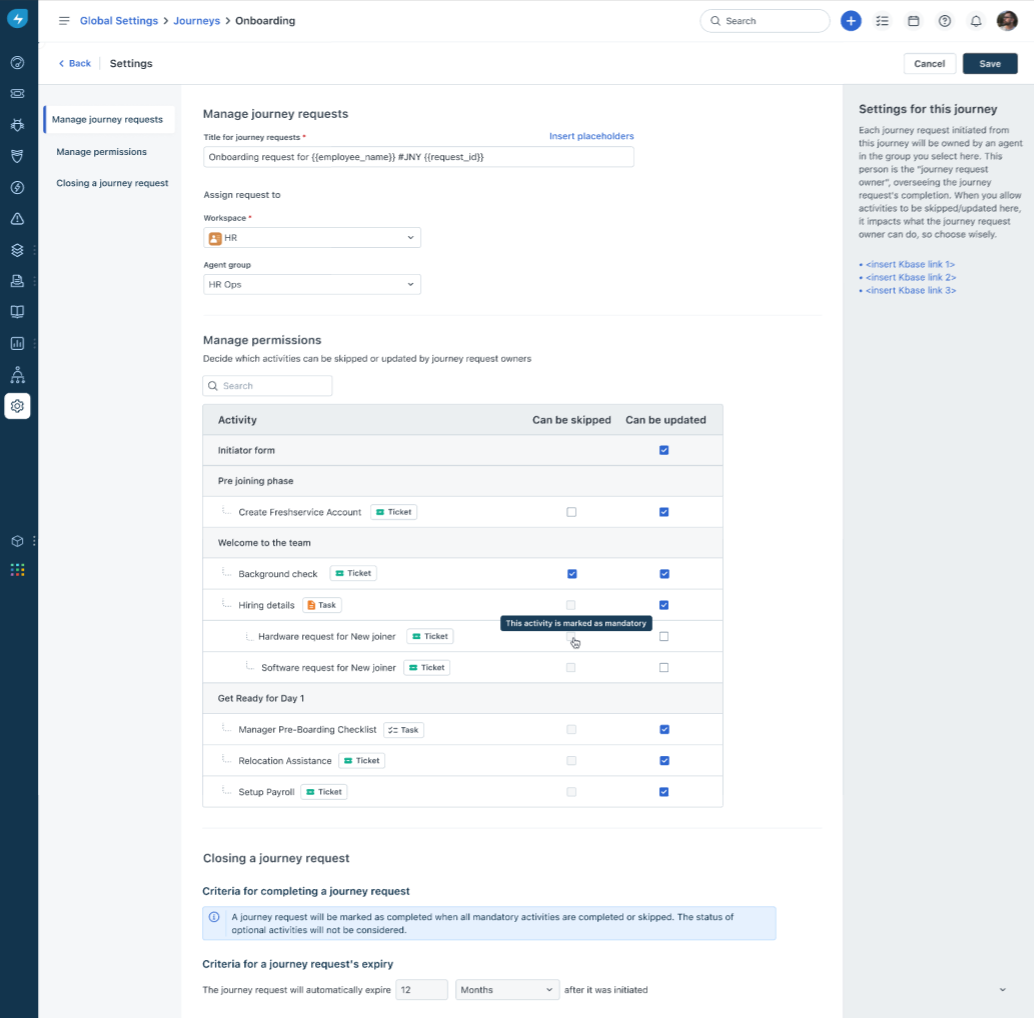
- Can be Skipped – Allows the journey request owner to skip the activity for a specific journey request, if needed. Note that skipping is applicable only for non-mandatory activities.
- Can be Updated – Applies only to activities of type Form Task. Note that for any activity type, the journey request owner can update basic details such as due date and assignee, if they have the Edit Journey Request permission, regardless of whether the activity is marked as "Can be Updated".
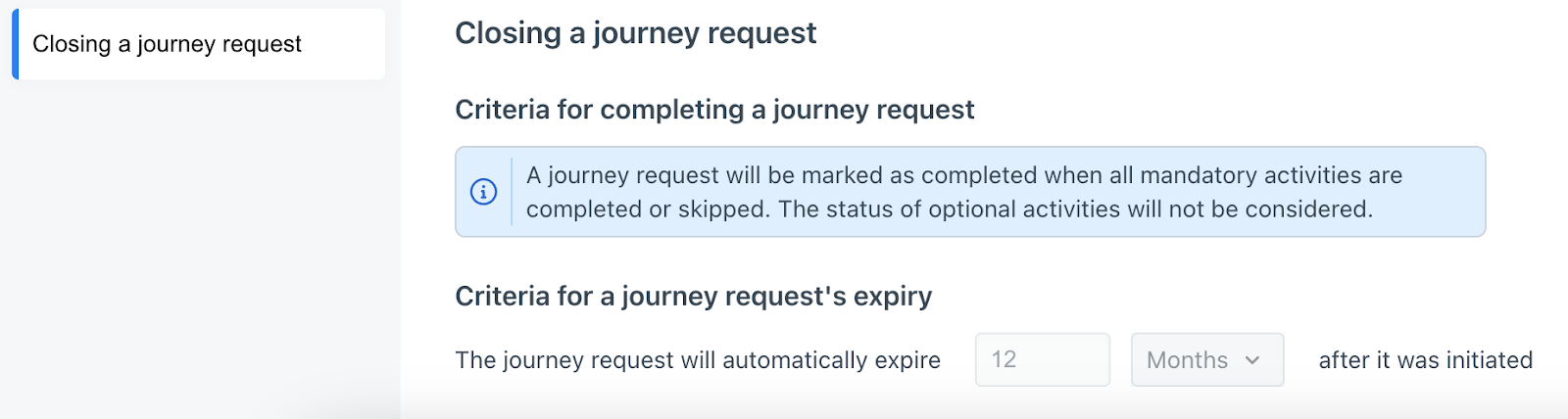
Click Save to make changes to the settings.