Last updated: 2023-07-24
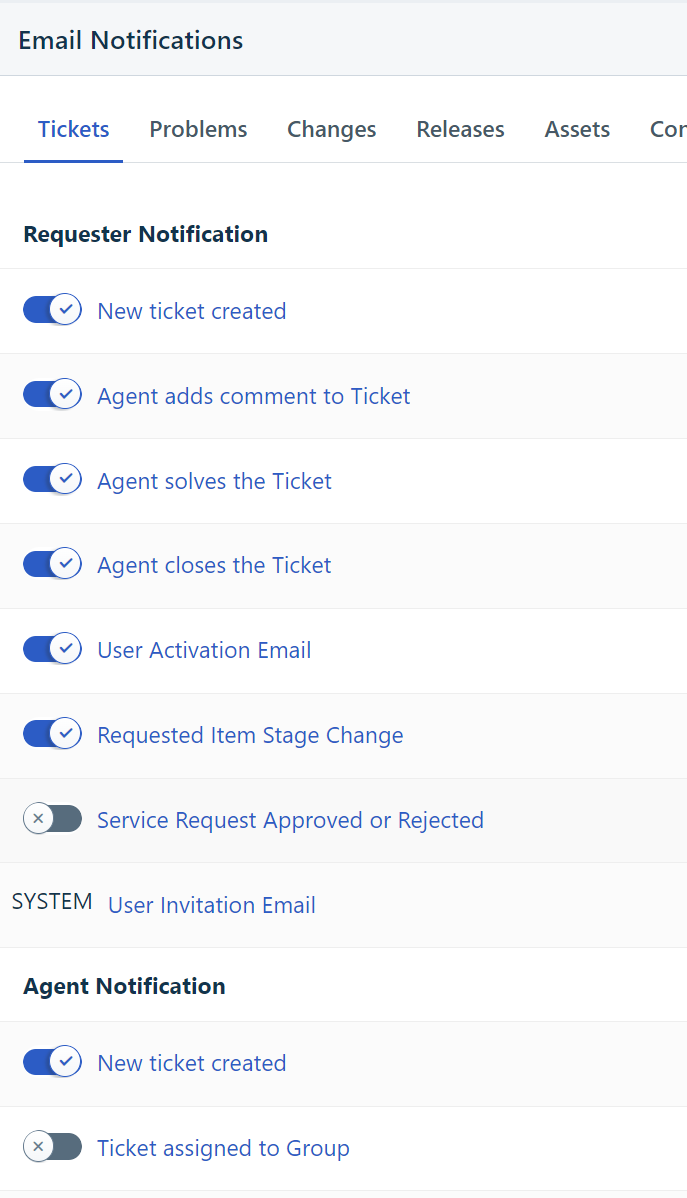
You can enable/disable email notifications from Admin --> Account Settings --> Email Notifications. Requester, Agent and CC notifications can be enabled/disabled from there. However the notifications that are sent from the backend, like the User invitation email ( system notification ) cannot be disabled from within the portal. Please take a look at the below screenshot to know where the User invitation email is present.