Last updated: 2025-10-06
Managing Requesters in Freshservice
Over a period of time, you will have a lot of employees and requesters interacting with your service desk as they report issues and submit service requests. To make things more convenient, you probably want to create contacts for your requesters inside Freshservice before you get started.
You can create requesters in Freshservice one by one or import them in bulk from a CSV file. You can even create departments and add requesters under them for better classification.
In this article:
Add requesters in Freshservice

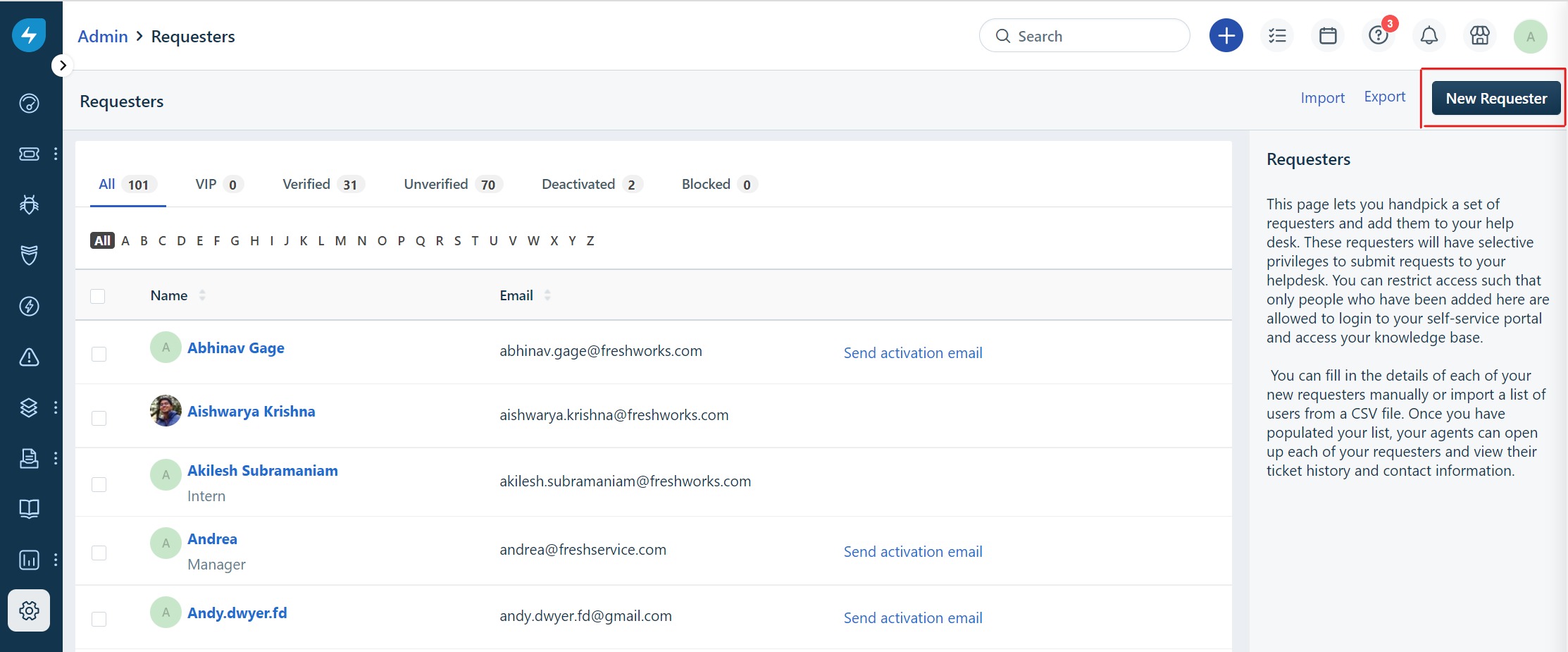
The requester has now been added to your service desk. You could similarly add as many contacts as needed.
After you are done creating requesters, you can also change any details given by choosing the Edit option displayed next to every requester.
Deactivate requesters in Freshservice
In order to deactivate a requester, you can navigate to Admin \> User Management > Requesters. If your account has more than one workspace, navigate to Admin > Global Settings > User Management > Requesters > Requester Name > Edit > More > Deactivate Requester.

_What happens when you deactivate a requester?_
Validation and sanitization updates to user data
To improve data quality and system consistency, new validation and sanitization rules for user and organization information have been introduced. These changes will ensure that data entered into our system is clean and properly formatted.
We have implemented input sanitization for the following fields, wherein certain special characters will be automatically removed from these fields upon entry:
The behavior will differ based on how the data is submitted:
Examples of changes
Here are few examples on how the sanitization works:
| Field | Before | After |
| firstName | Jo<hn | John |
| lastName | An"na | Anna |
| phone | 123@456 | 123456 |
| companyName | Tech/"Corp | TechCorp |
| jobTitle | C<TO | CTO |
| address | "One Way" Building | One Way Building |
Impact on existing data
Note that some existing user and organization data may contain characters that are now considered invalid. If an existing account is updated or transferred, the data in the fields listed above will be automatically cleaned according to the new rules.