Last updated: 2025-12-16
IN THIS ARTICLE
Access Your Assigned Activities
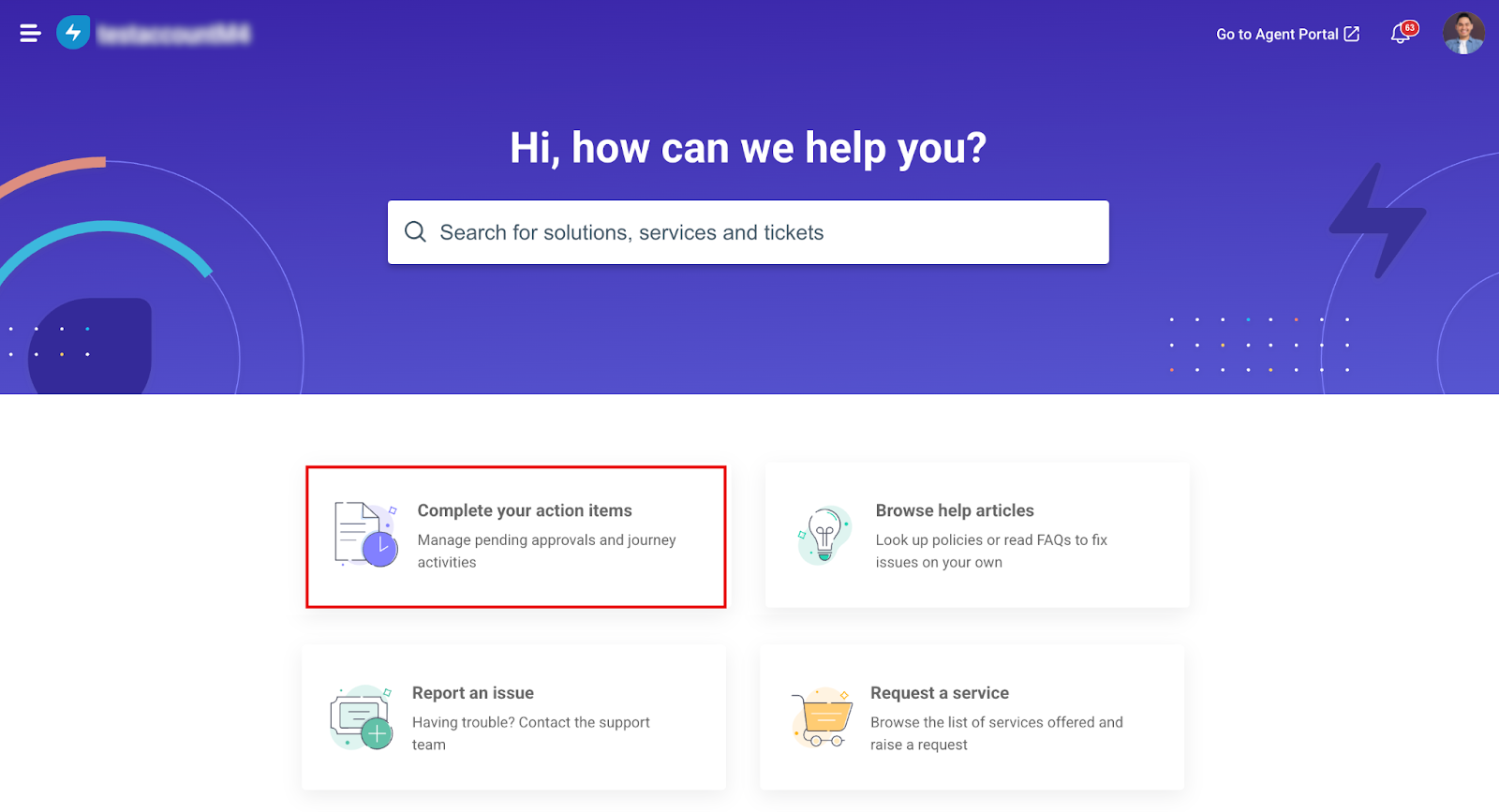
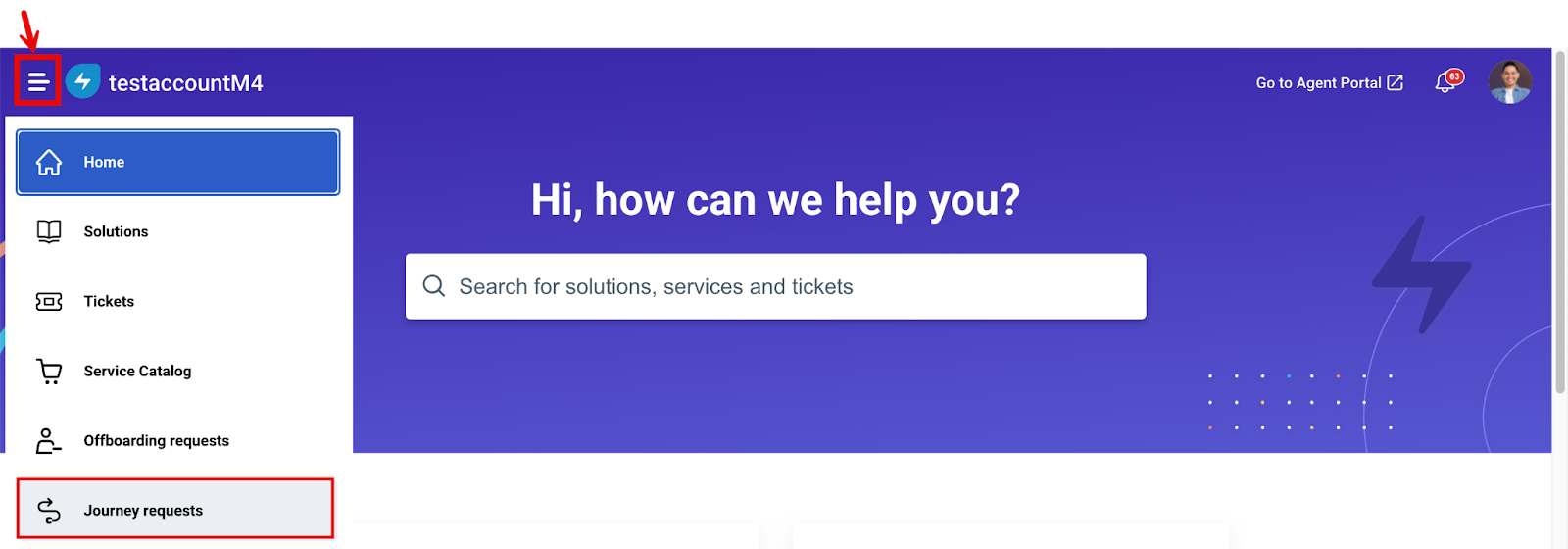
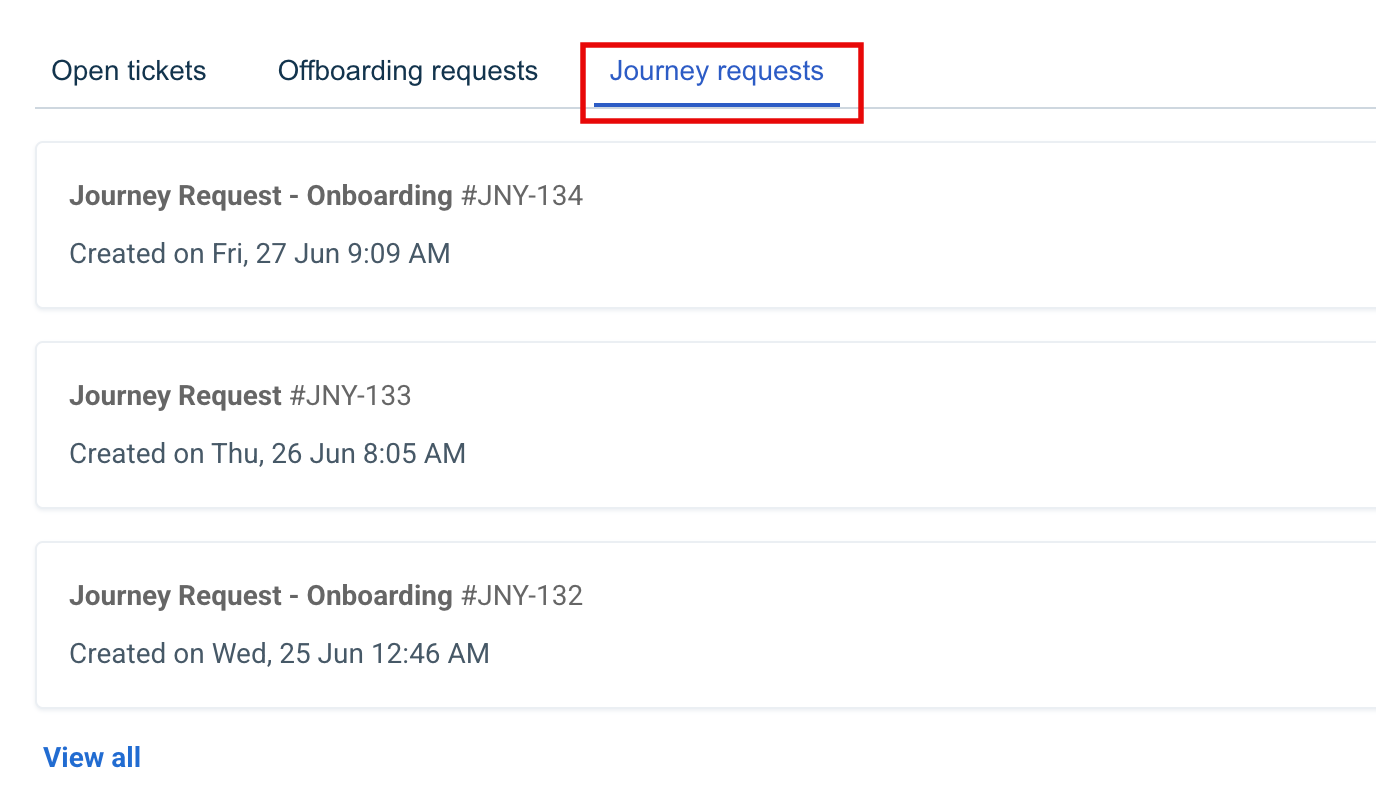
You can access your assigned activities on the support portal in the following ways:
Complete Your Assigned Activities
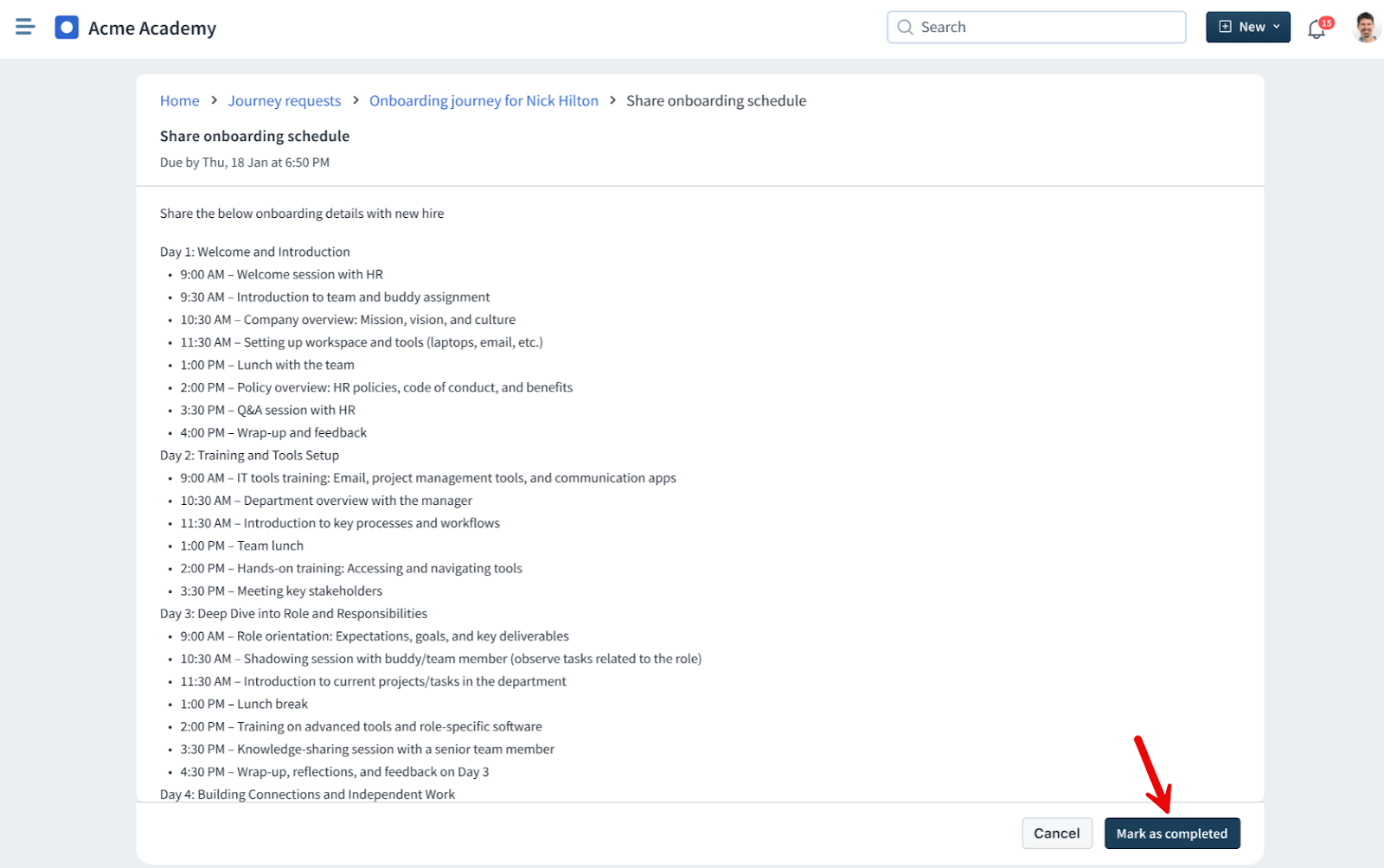
Complete a Simple Task
A Simple Task is a basic action assigned to you. It is not required that you fill out a form or provide detailed information.
These tasks are typically used to track basic actions or confirmations within a journey. To complete a simple task, click the task from your list and then click Mark as Complete.
Complete a Form Task
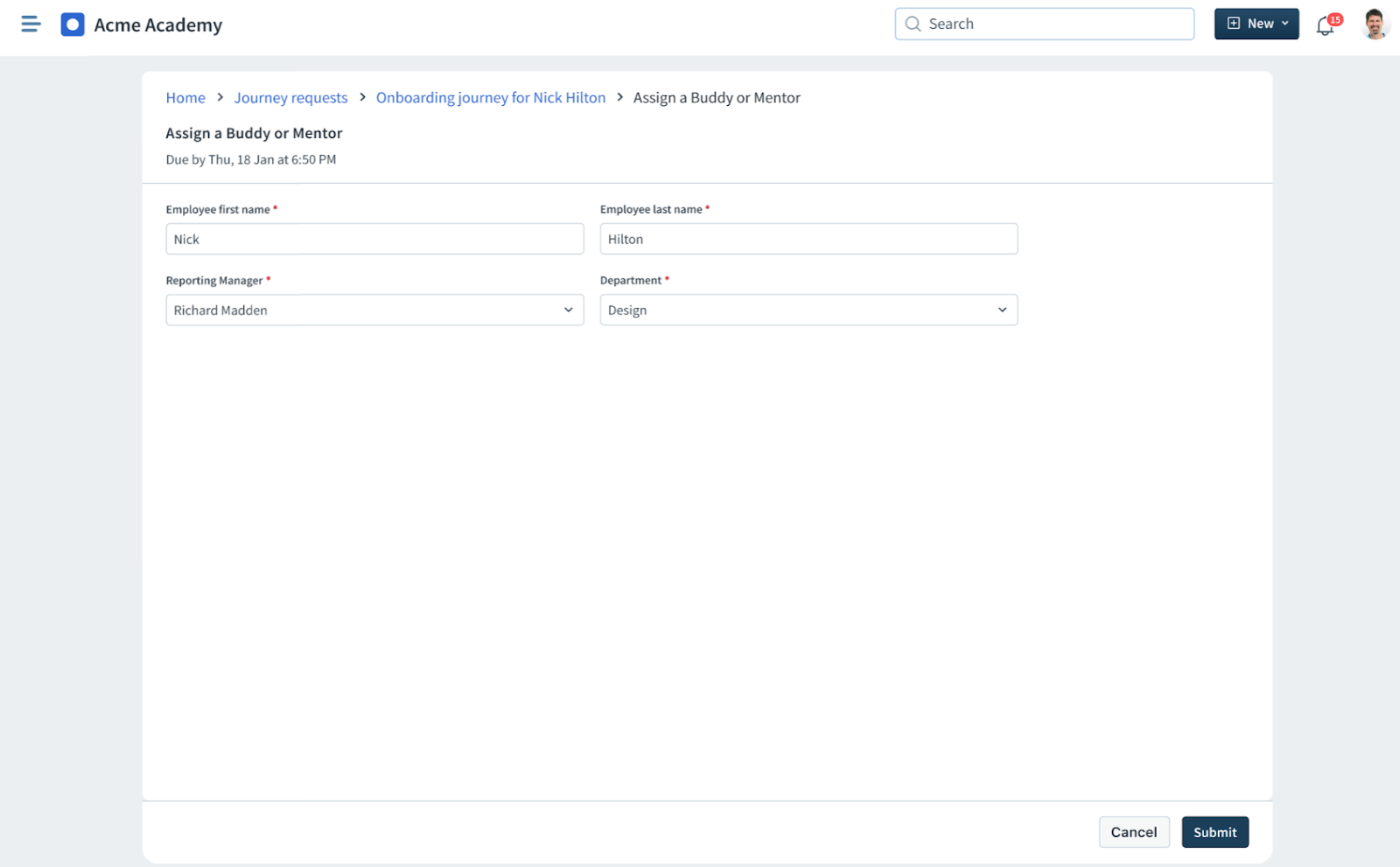
A Form Task is an activity assigned to you that requires entering specific information using a structured form.
These tasks are typically used when additional details need to be collected as part of the journey request, such as confirming equipment needs, providing personal information, or submitting approvals. To complete a form task, click the task from your list, fill in the required details, and then click Submit.
Examples of form tasks include:
Complete a Form Task With Service Items
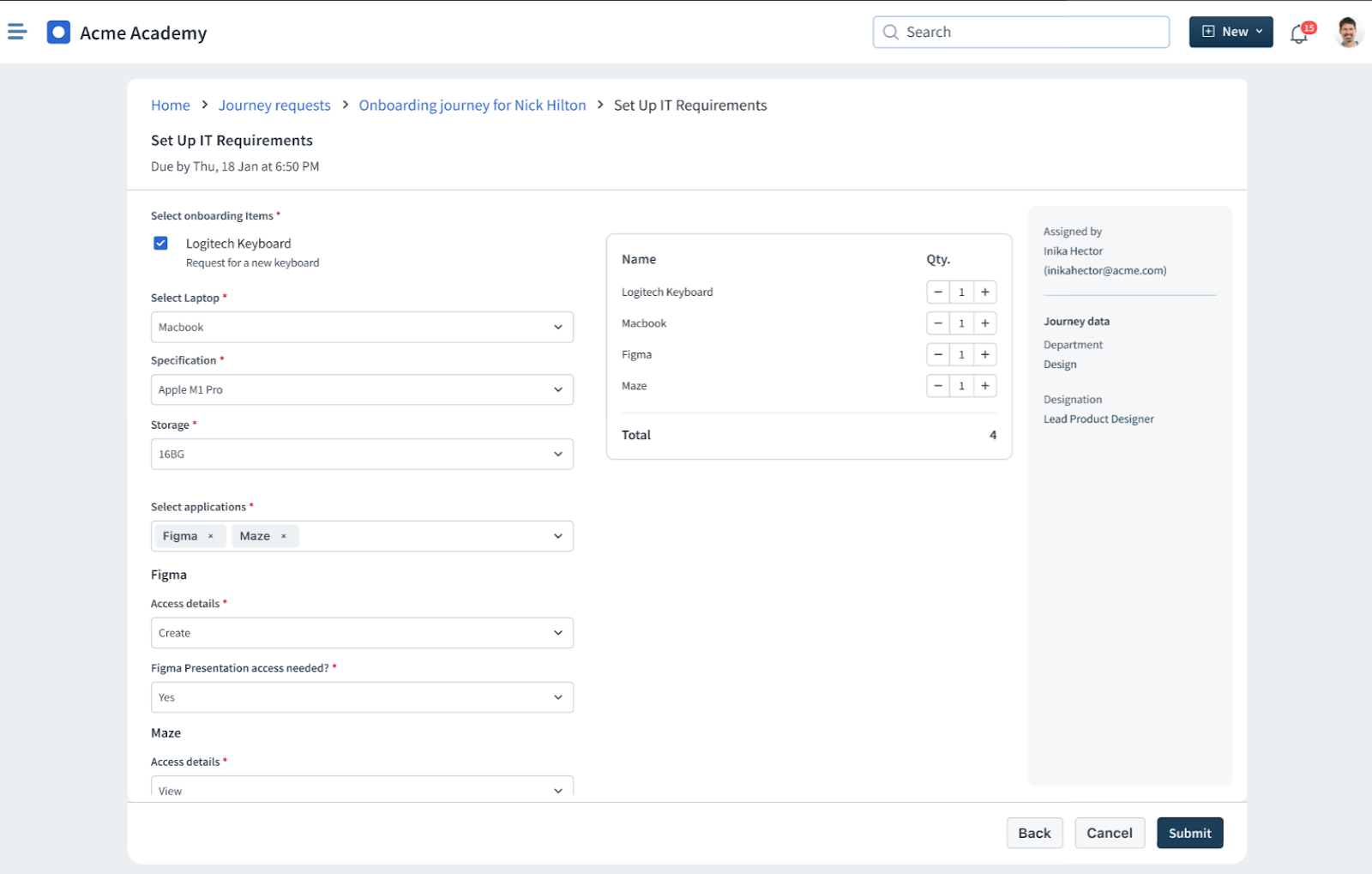
This kind of task is assigned to you when you need to specify the service item, such as hardware, software, or access, to be provided to a stakeholder as part of a form task. These tasks ensure that the correct assets or services are provisioned through the service desk.
Examples of service item tasks include:
To complete a form task (service item) task:
1. Select the task from your list.
2. Review the service item fields, such as requested hardware or software, and make the appropriate selections.
3. Based on your selections, additional fields may appear. Specify or confirm the required details as prompted.
4. If needed, add comments or attachments to support the request.
5. Select Submit to complete the task.