Last updated: 2025-12-16
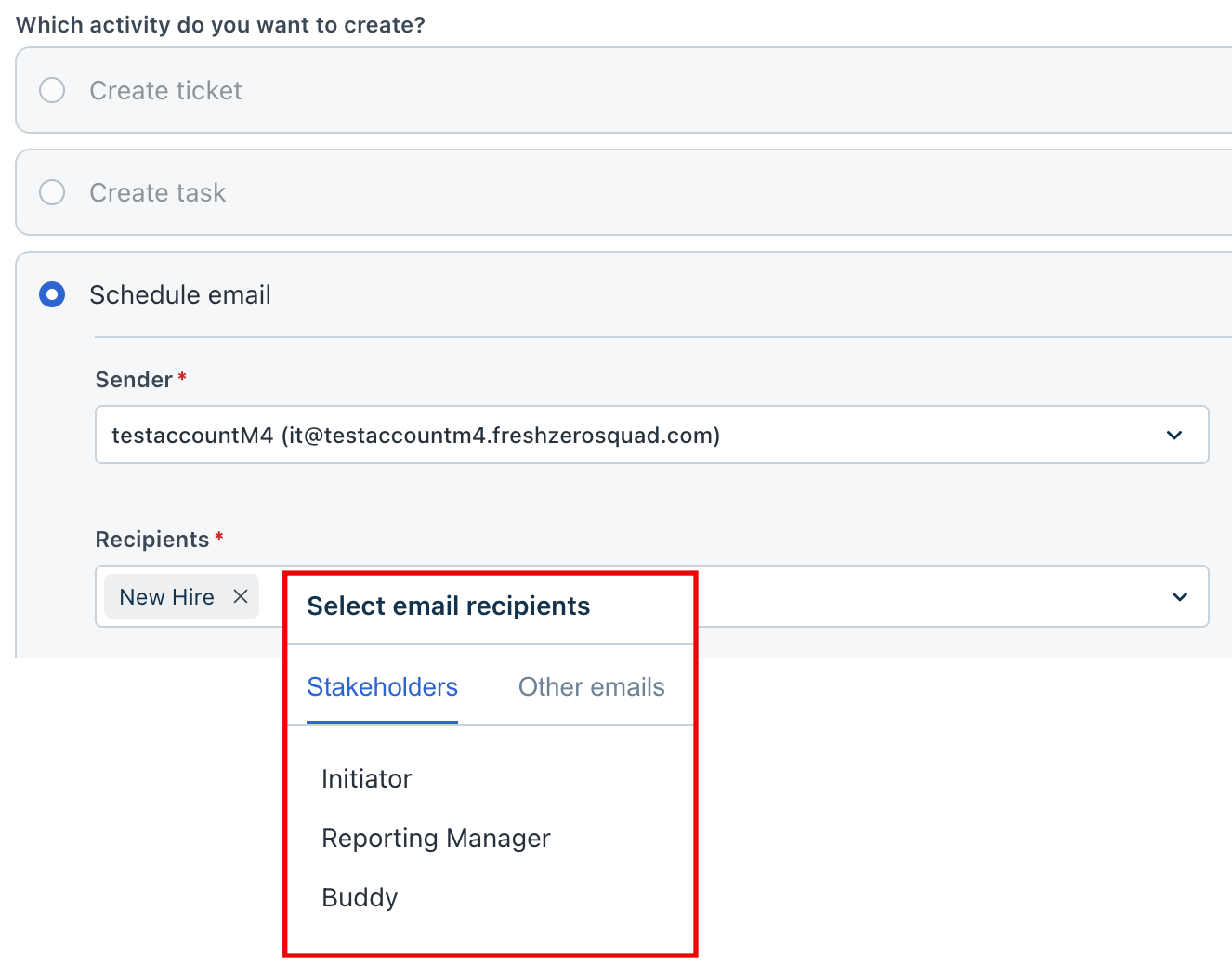
Configuring the initiator form is a crucial step, as the ability to add stakeholders to a journey depends on the fields defined here. The form must include details for each stakeholder involved in the journey.
Note that only stakeholder fields with an email address or a drop-down type with a data source will be displayed for selection as a source for stakeholders.
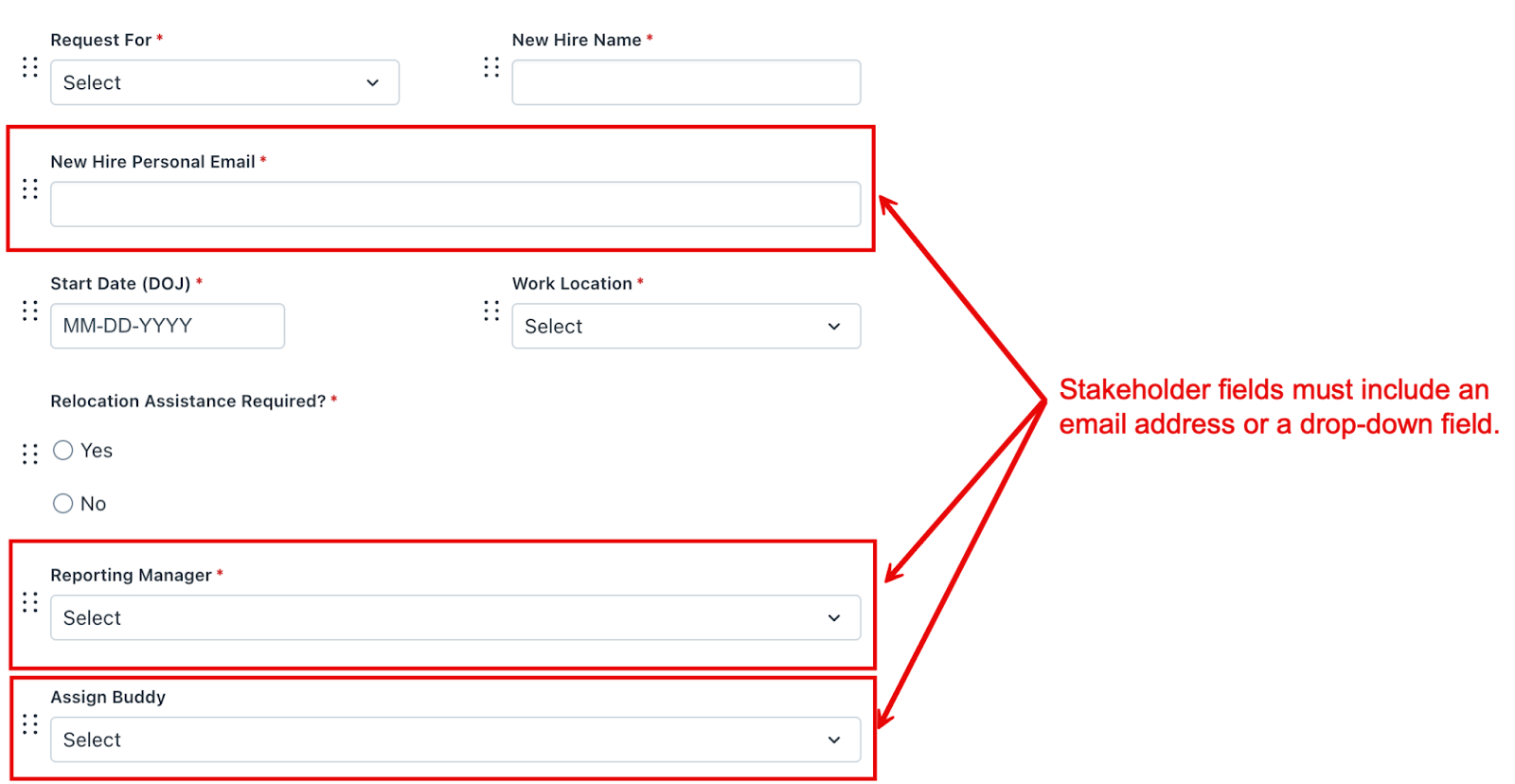
For example, if you want to include a Reporting Manager and Buddy as stakeholders, you must add corresponding fields, either email or drop-down type with data source, for each of them in the Initiator form. Without these fields, you cannot configure the respective stakeholders.