Last updated: 2026-03-19
``` Note: The classic UI will be retired on January 30, 2026. While all data remains secure and intact, agents will transition to a modern design system built for enhanced clarity and focus. ```
The Freshworks Dew user interface (UI) introduces a refreshed and unified visual experience in Freshservice. Launched on December 1, 2025, this new design brings modern aesthetics, improved usability, and consistency across the Freshworks ecosystem. The switch to the new design interface is seamless and does not affect any new features.
Introducing Dew
Dew is Freshworks’ unified design system. It redefines how users interact with Freshworks products by offering:
``` Note: Dew is solely a UI enhancement, not a feature. Activating the new interface will not affect any existing features. ```
Transitioning to the Dew interface
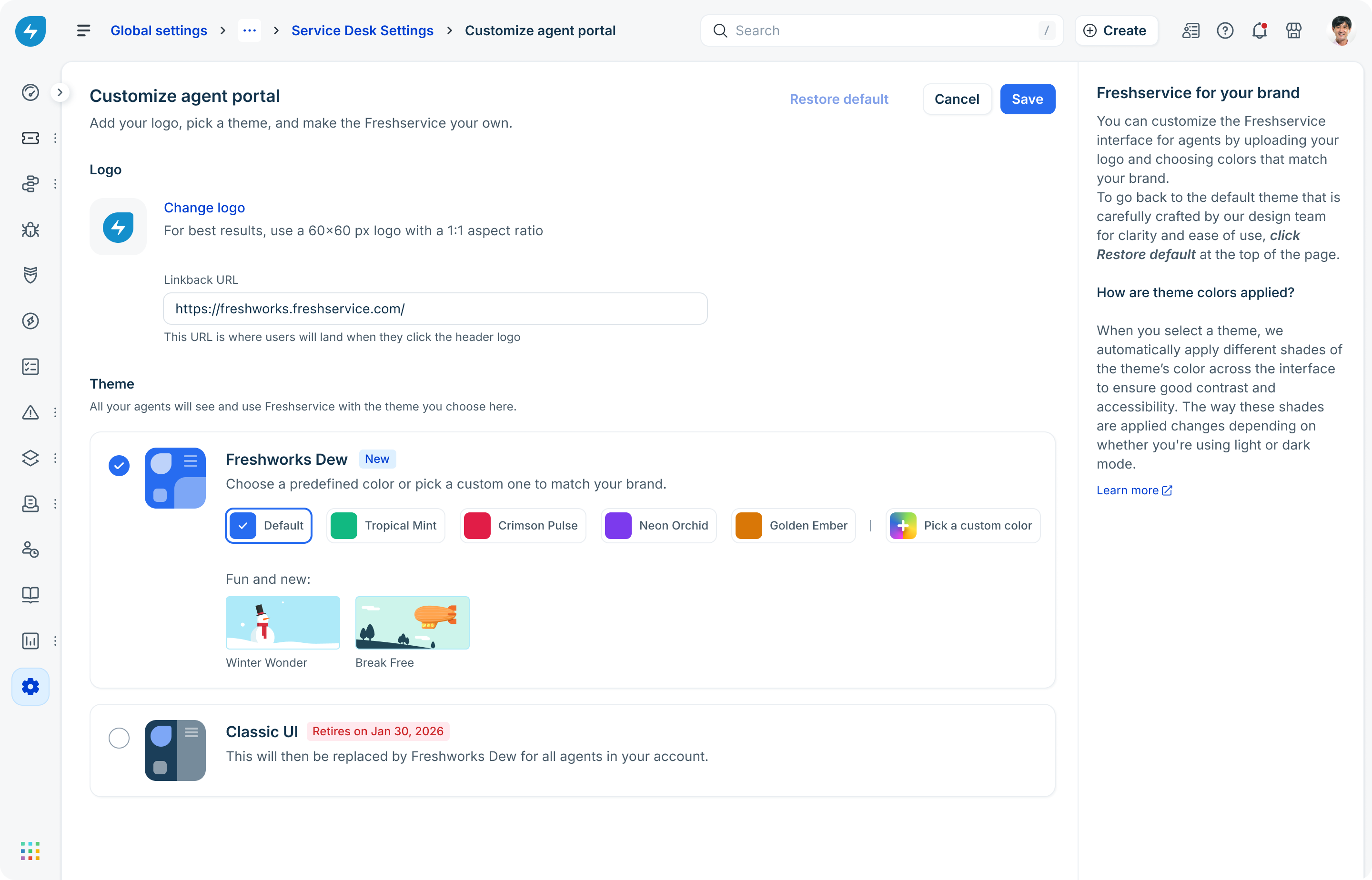
To enable the new interface:
1. Go to Global Settings > Service Desk Rebranding > Service Desk Settings > Customize agent portal > Freshworks DEW. 2. Select from existing themes, such as 'Tropical Mint' or 'Crimson Pulse', or click Pick a custom color to choose a color that matches your brand. 3. Click Save.
The new interface will be enabled for all agents.
``` Note: 1) The Dew UI is enabled by default for customers who have signed up on or after December 1, 2025. 2) If you have signed up before December 1, 2025, you can switch to the new Dew UI anytime before the interface automatically transitions on January 30, 2026. ```
Examples of Dew UI
Here are some examples of screens showcasing the new UI as compared to the classic UI.
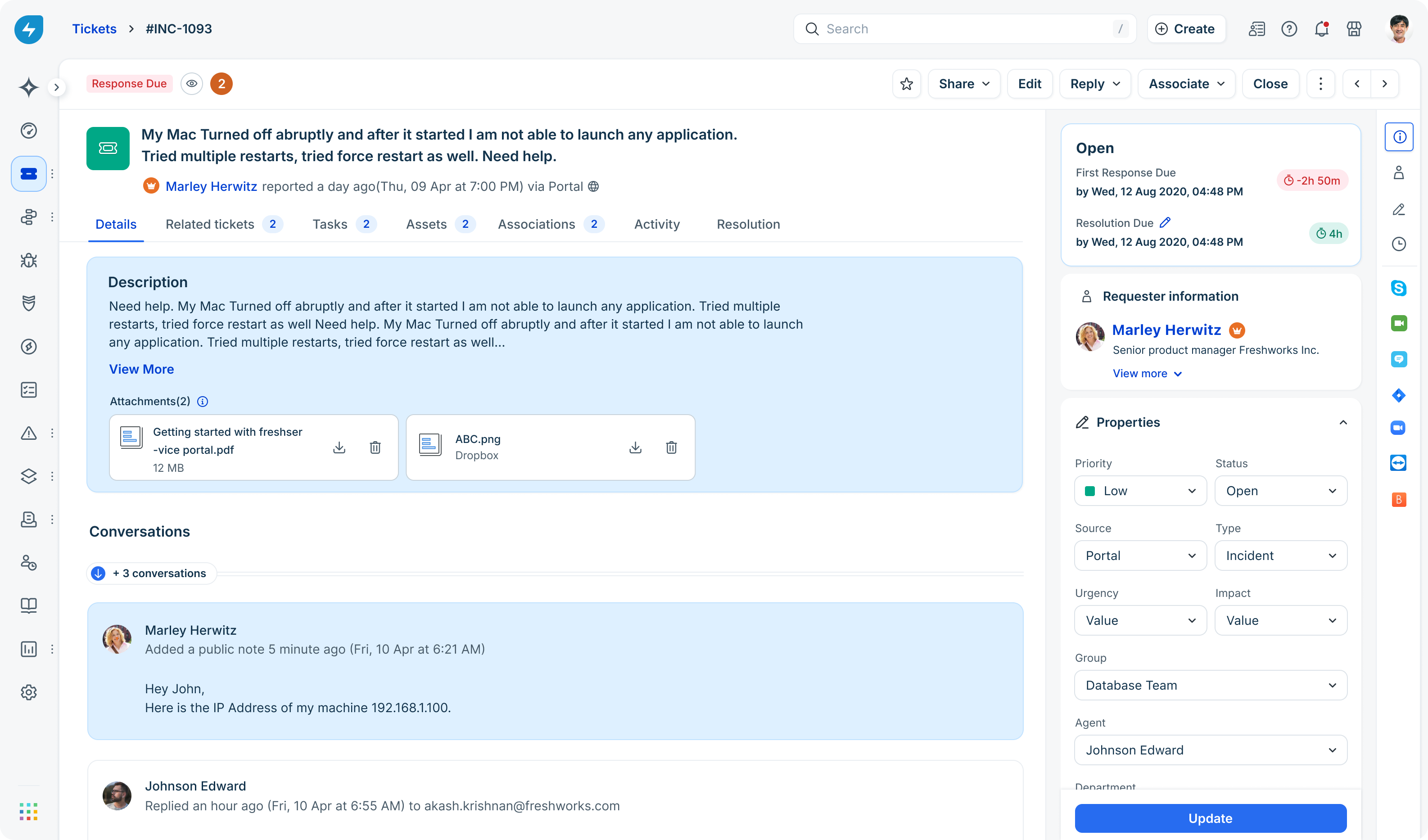
Ticket details page
This page shows how agents view, manage, and respond to individual tickets.
Classic interface
Here is the ticket details page in the classic interface.
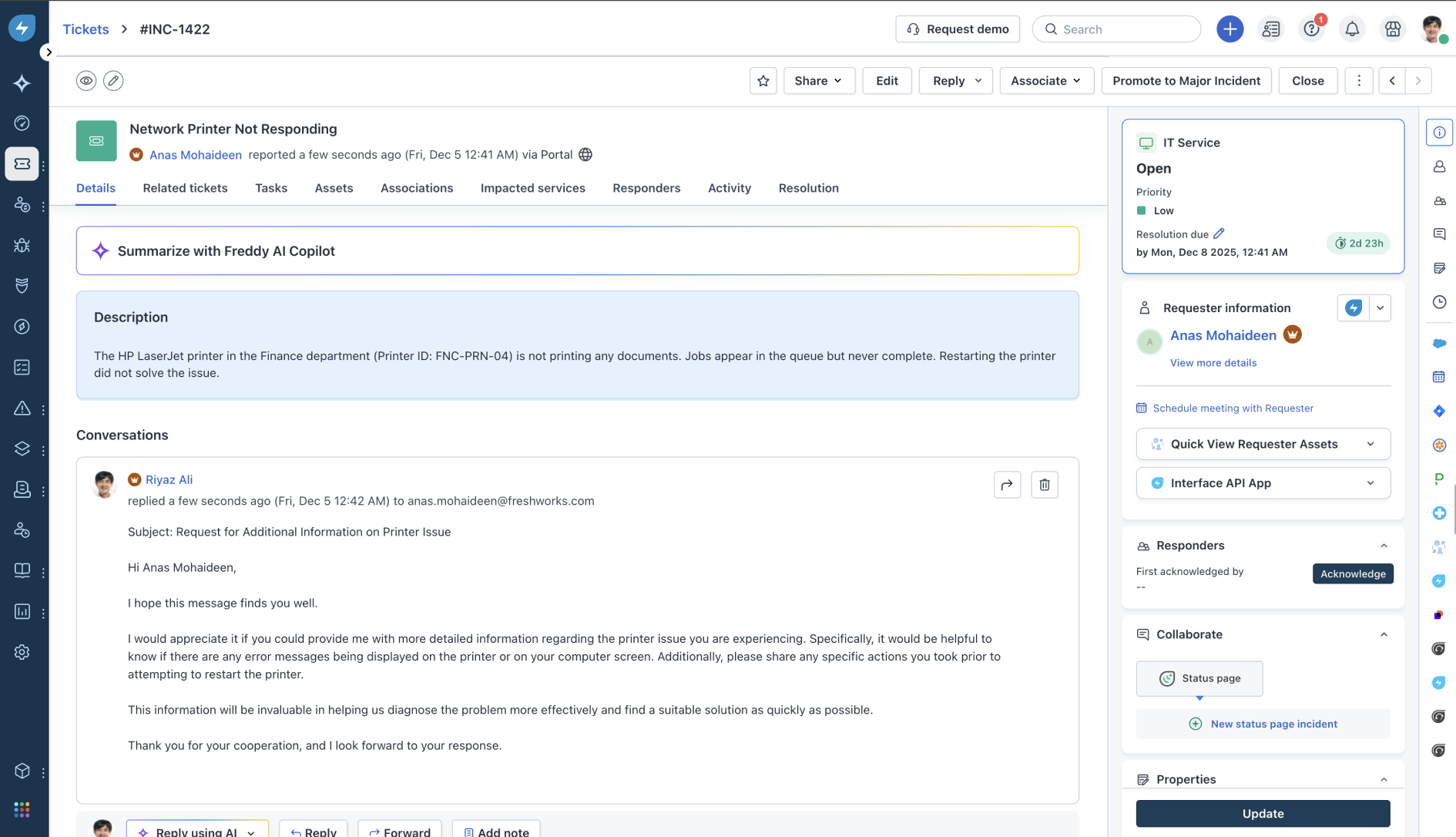
New interface: Here is therefreshed view that brings clarity and focus to every agent interaction.
Event-based workflows
Event-based workflows automate actions based on specific triggers and conditions.
Classic interface
Here is the workflows screen in the classic interface
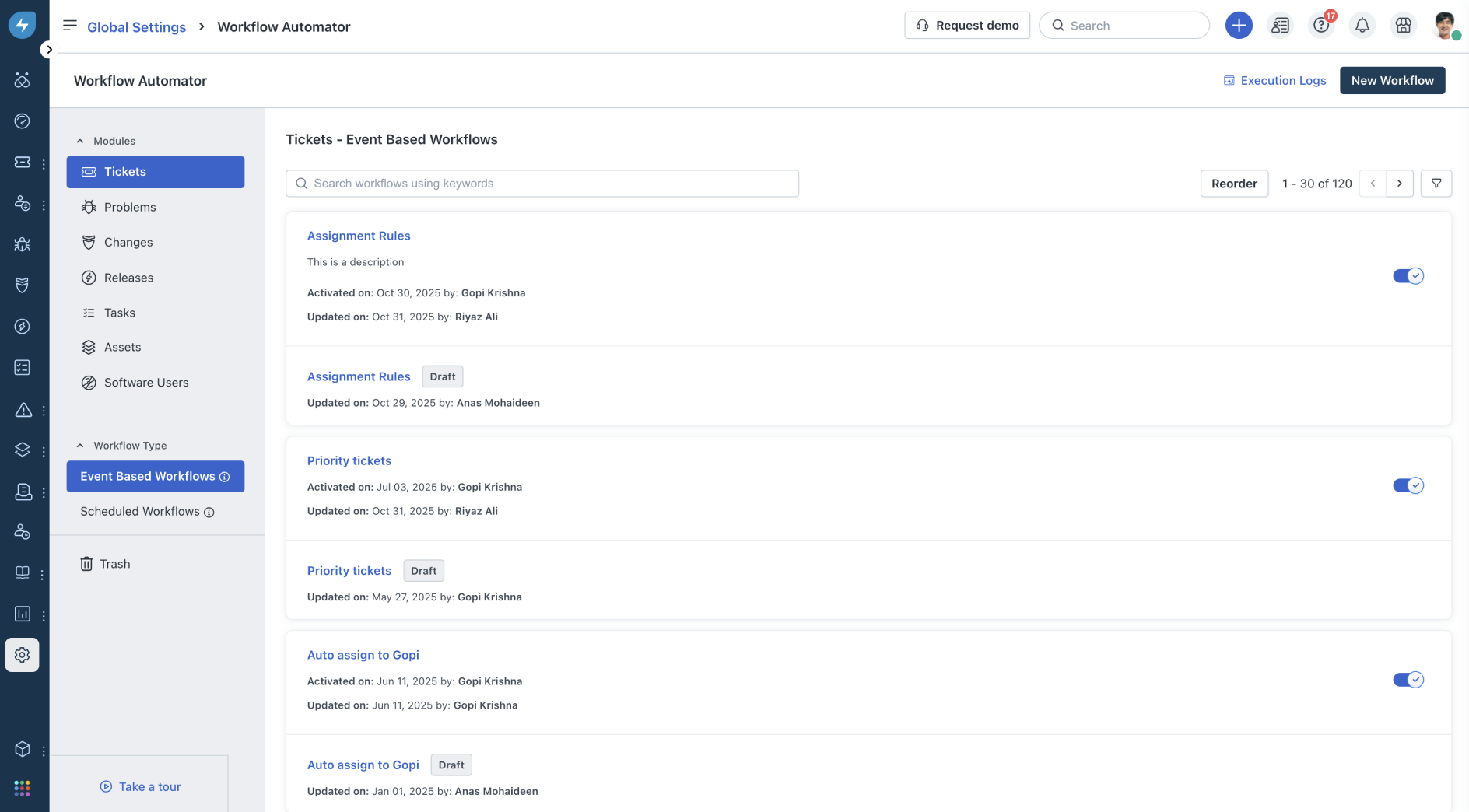
New interface: Here is theworkflows page in thenew interface. It's cleaner and makes automation effortless to navigate.

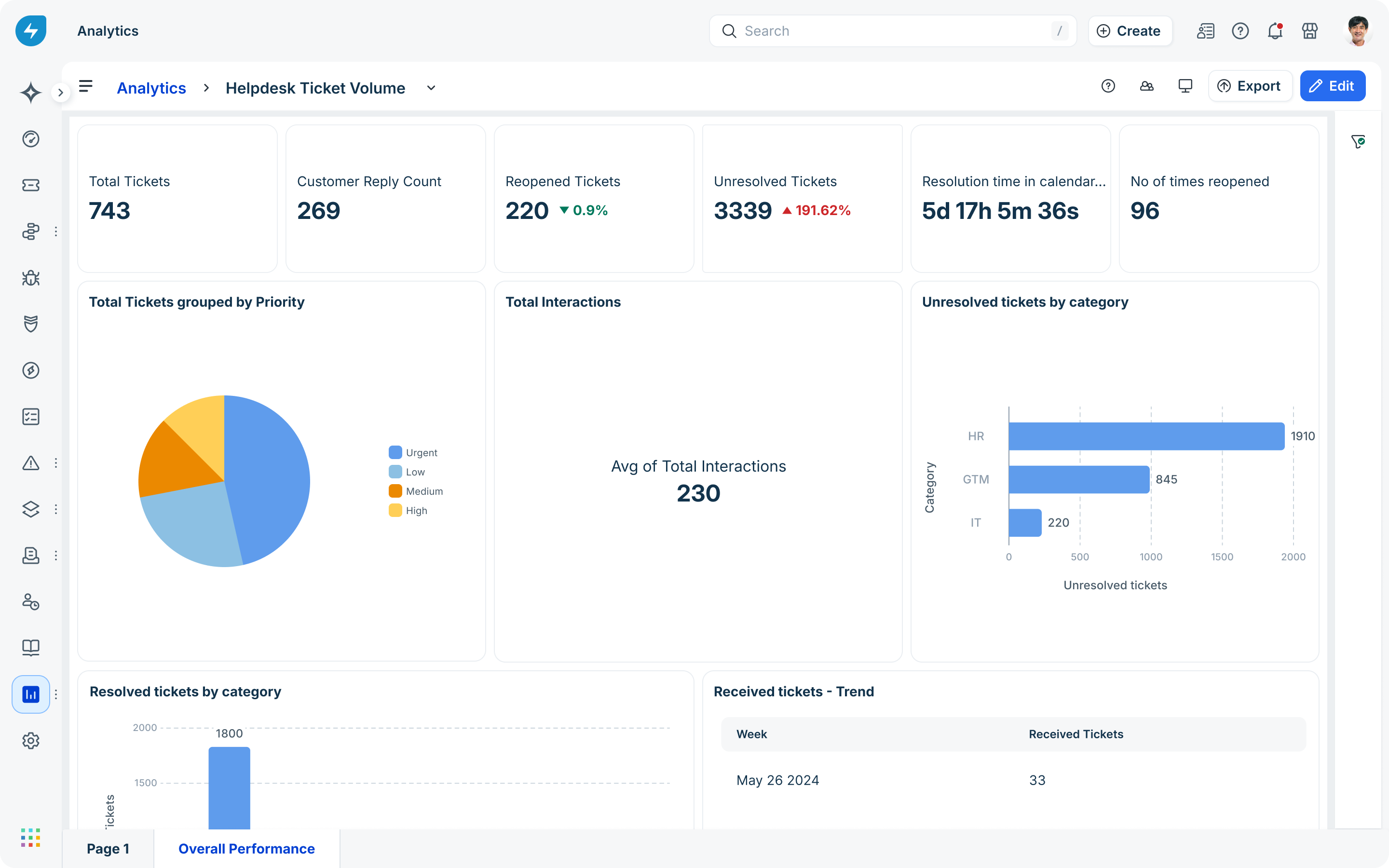
Analytics
The Analytics module provides insights into performance, trends, and service metrics. It helps teams make data-driven decisions.
Classic interface
Here is the Analytics page in the classic interface.
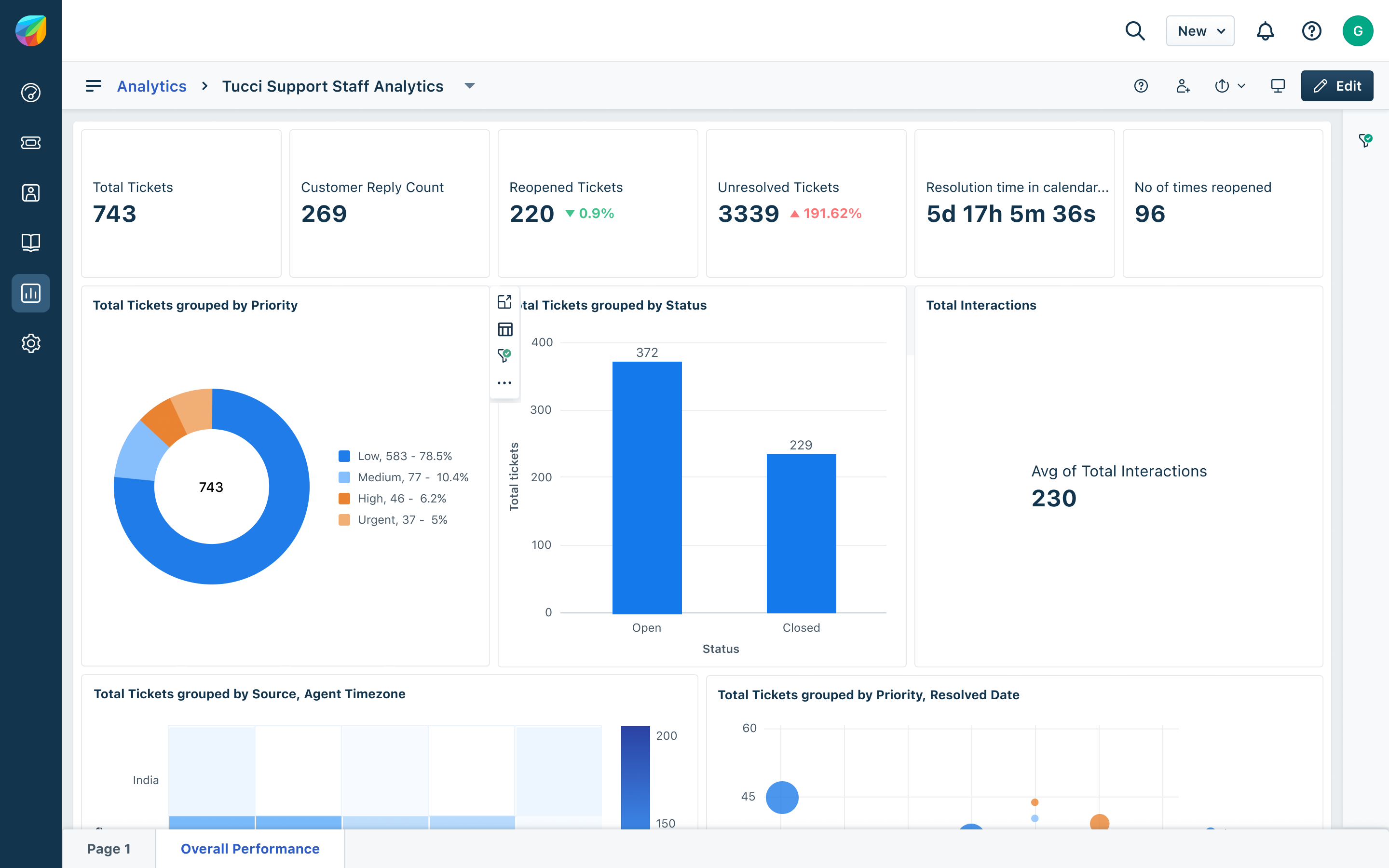
New interface:
Here is the Analytics page in the new interface. The Analytics module contains insightful, accessible reports designed to turn data into confident decisions.
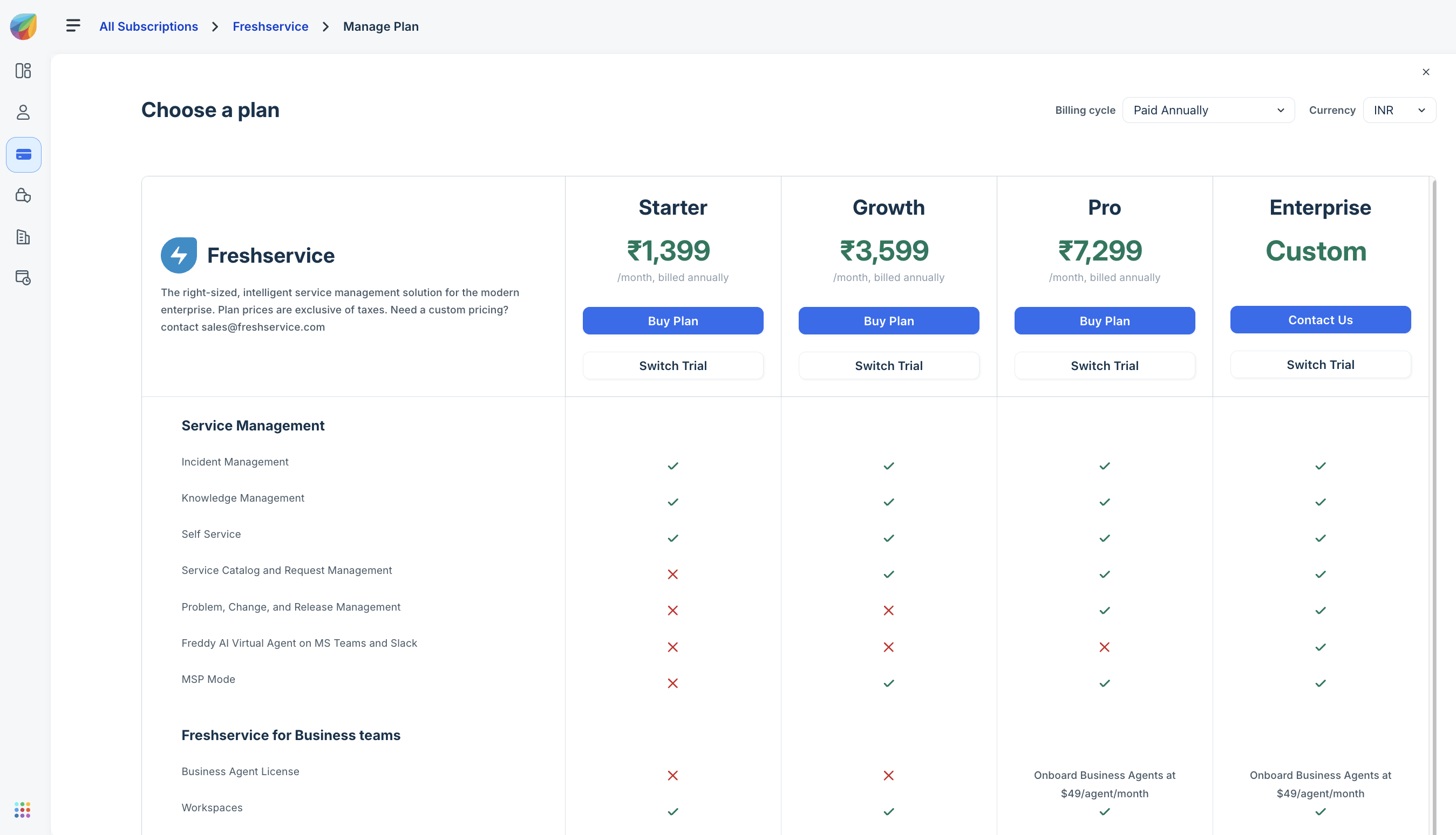
Plans and Pricing
This section helps users compare plans, understand features, and select the right subscription. It plays a key role in purchasing decisions.
Classic interface
Here is the pricing page in the classic interface.
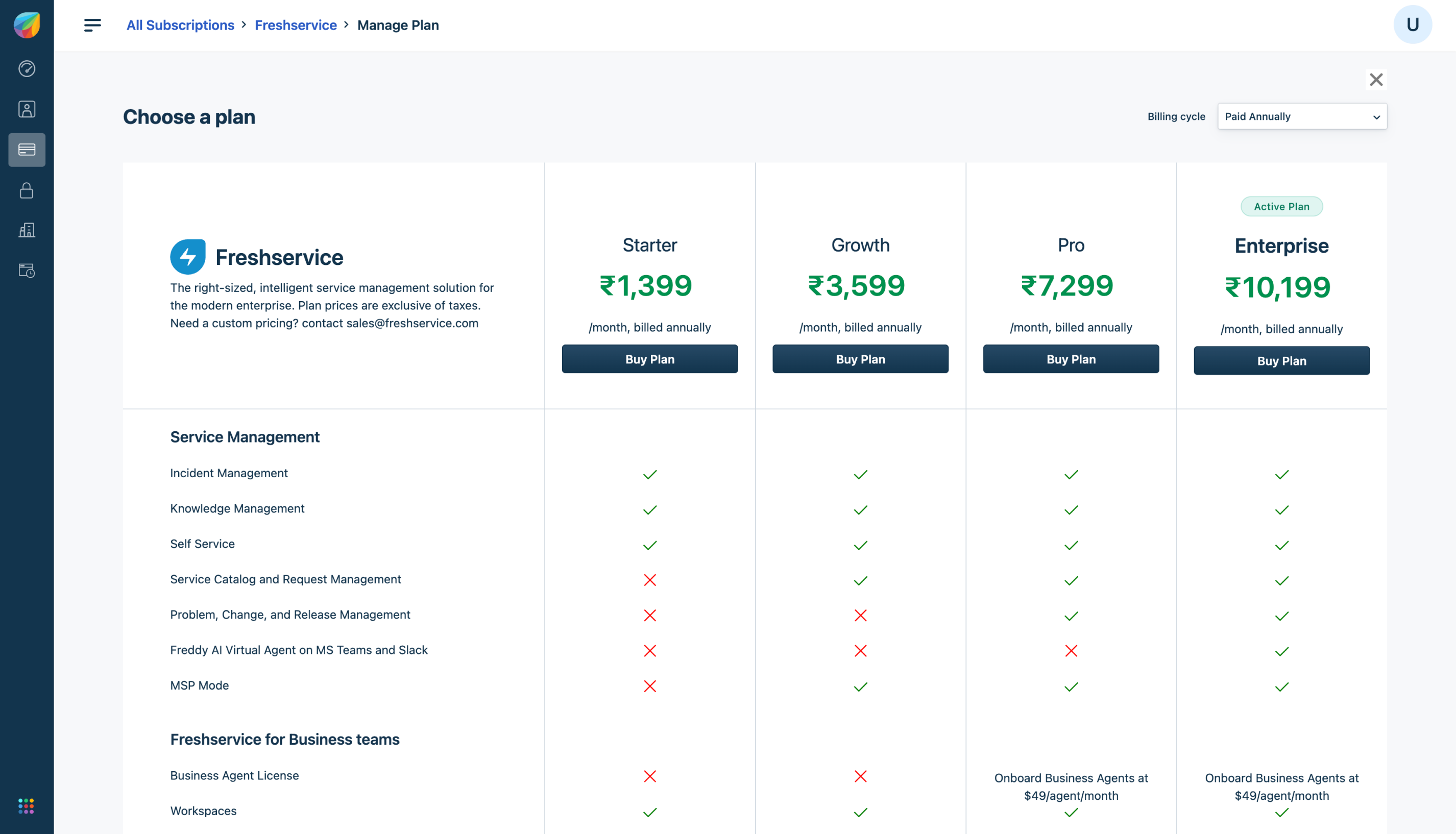
New interface: Here is the Pricing page in the new interface showcasing a clear, modern layout that simplifies plan comparison and selection.