Last updated: 2025-11-14
``` This feature works the same way in Freshservice and Freshservice for Business Teams (FSBT). ```
Rename the ServiceBot application in Slack to match your brand and improve internal adoption. Here's how you can change the name for your ServiceBot in Slack:
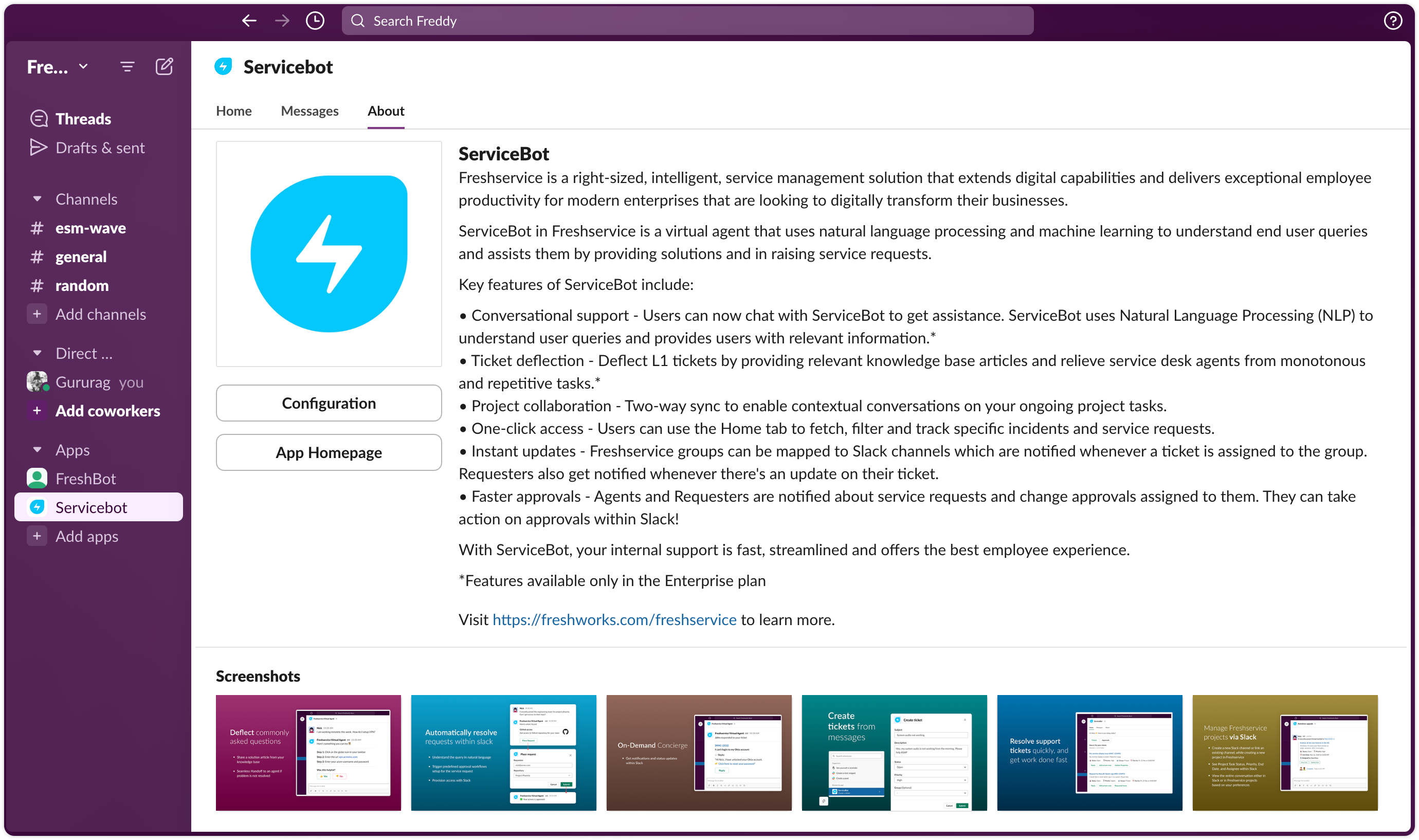
1. Open Slack and go to the “Servicebot” app.
2. Click the “About” tab.
3. Click “Configuration”.
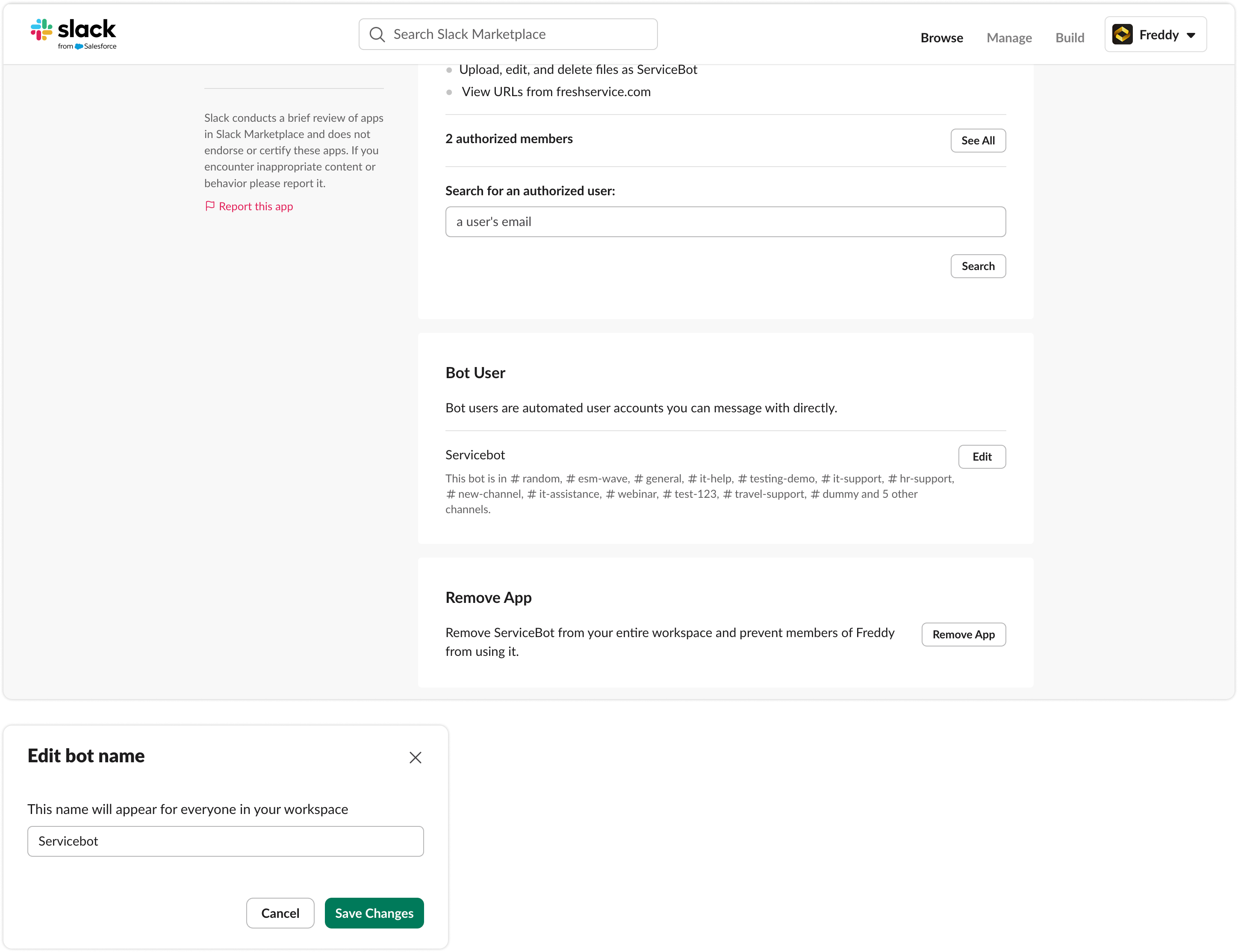
4. Once the configuration page opens, “Edit” button next to the Bot User heading.