Last updated: 2025-12-01
Assess the 'Business Impact of Change'
Change management is an extremely critical part of any organization’s business functioning and needs to be carried out with minimum impact. To reduce post implementation surprises and hence to reduce the number of unplanned outages to business critical services it is important that the team is able to assess the impact of any change.
With Freshservice, change managers and implementers can now proactively associate ‘Impacted Services of a Change’ and automate approvals based on the ‘impact’. If the change managers know in advance about the services that might get affected by the change and how many users may be impacted, they can strategize accordingly. This will eventually reduce the number of unplanned outages to business-critical services. It also helps the approver make informed decisions about approving/rejecting any change plans.
How to add the business impact of change:
To add the business impact of changes:
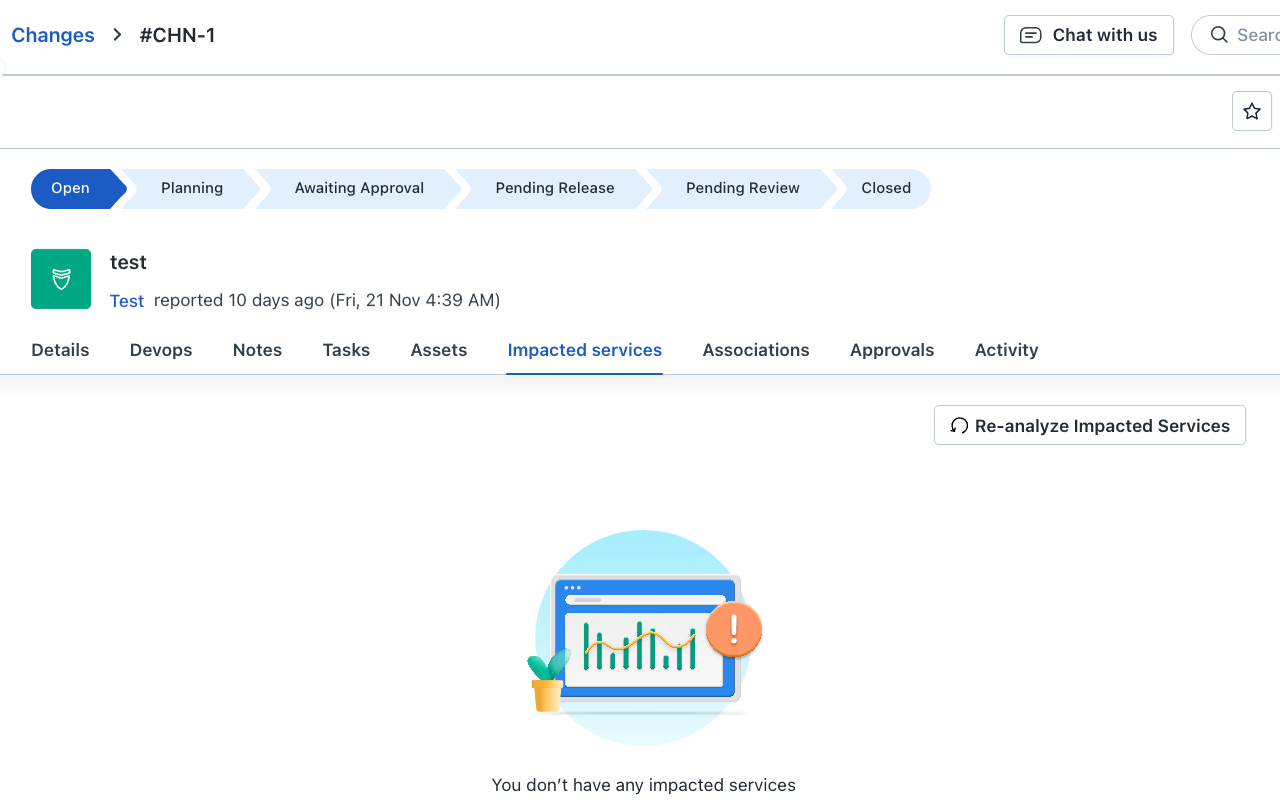
The Associate Services section appears and shows the list of services that can be impacted.
How to create workflow automation based on identified impacts:
Identifying the impact of changes is just one aspect of mitigating the risk associated with changes. Another important aspect is to set-up actions to minimize the impact.
Users can now create automated workflows to define actions based on identified impacts
The Workflow Automator page appears.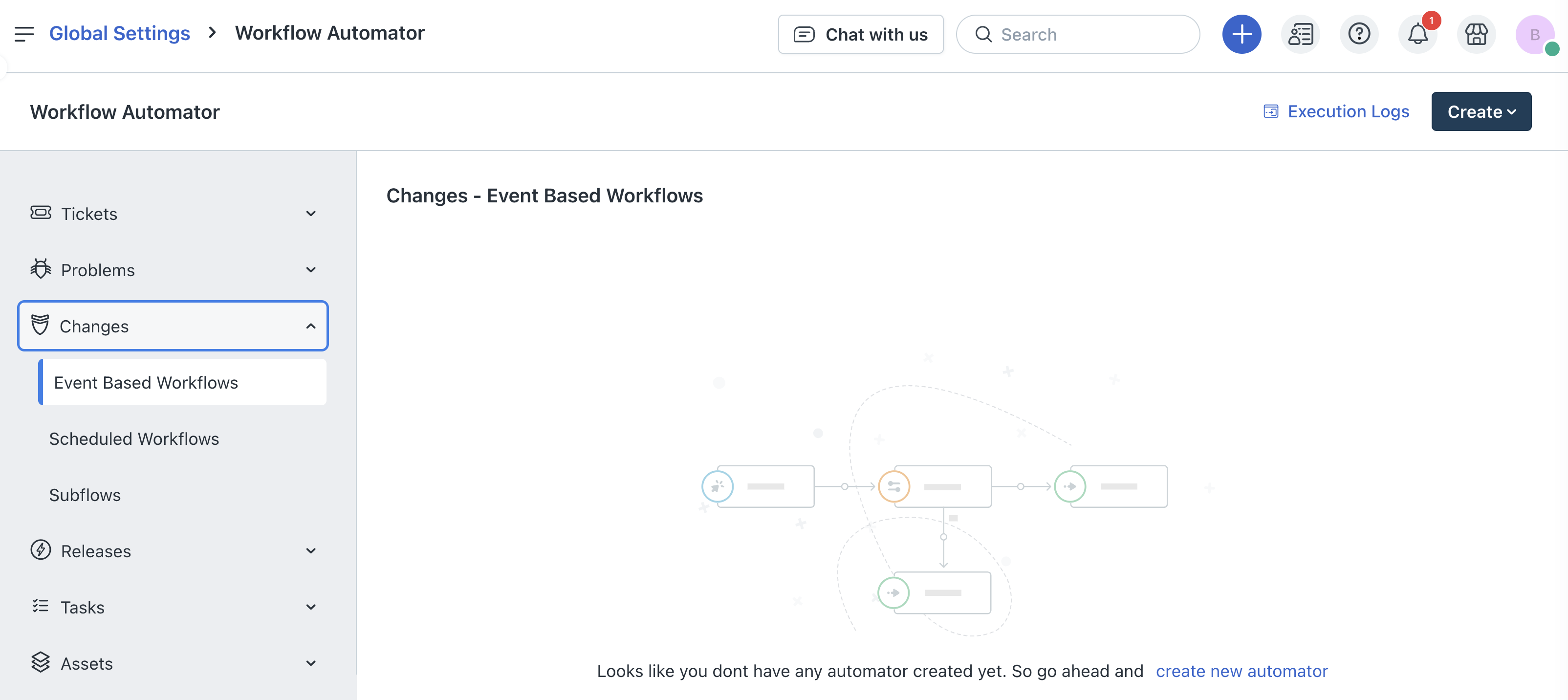
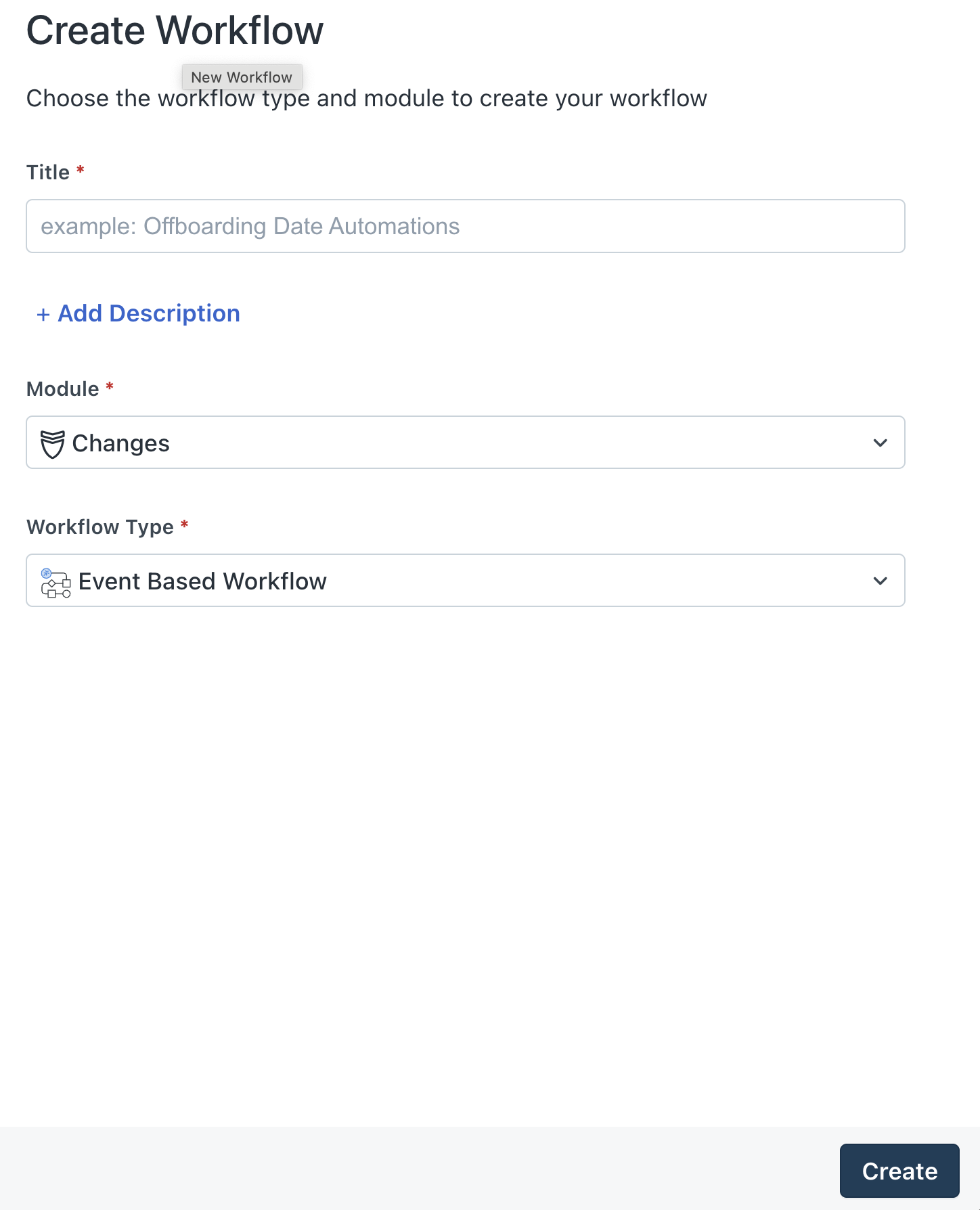
The Create Workflow section appears.
The Event section appears and lets you define events

The Workflow designer appears and lets you define various events, conditions, actions, and add various parameters such reader, app, web request, and so on.
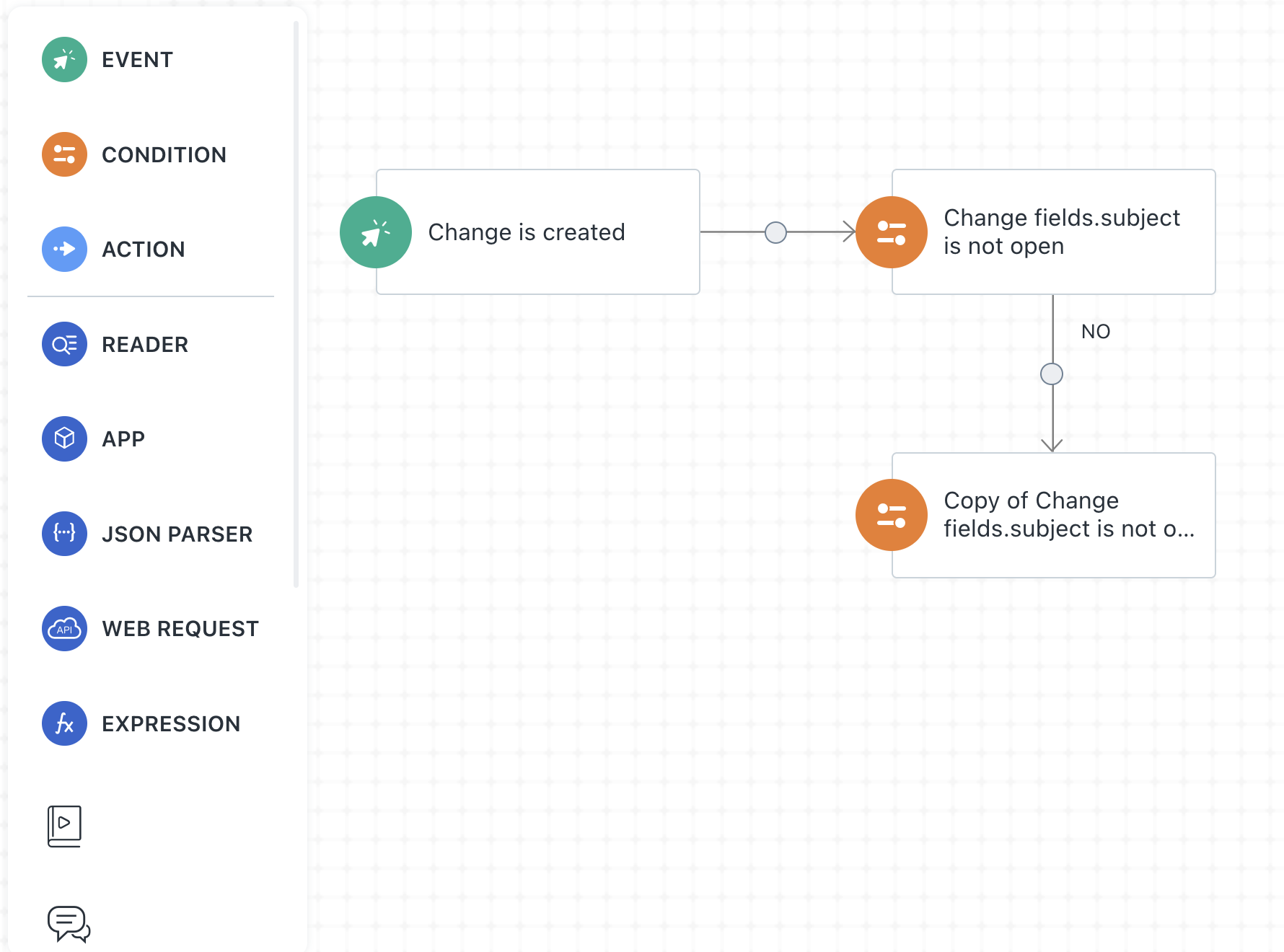


An automated workflow will get created. This will automatically trigger the action any time the defined condition for impacted services occurs, saving much of agent’s time and effort and minimizing the risk associated with the change.