Last updated: 2024-10-23
With the new updated Freddy AI, re-imagine service operations. Freddy AI empowers and builds a high-performing workforce using the following:
Use Freddy AI to improve employee engagement and productivity while enabling your service teams scale efficiently and make informed decisions.
How to enable Freddy?
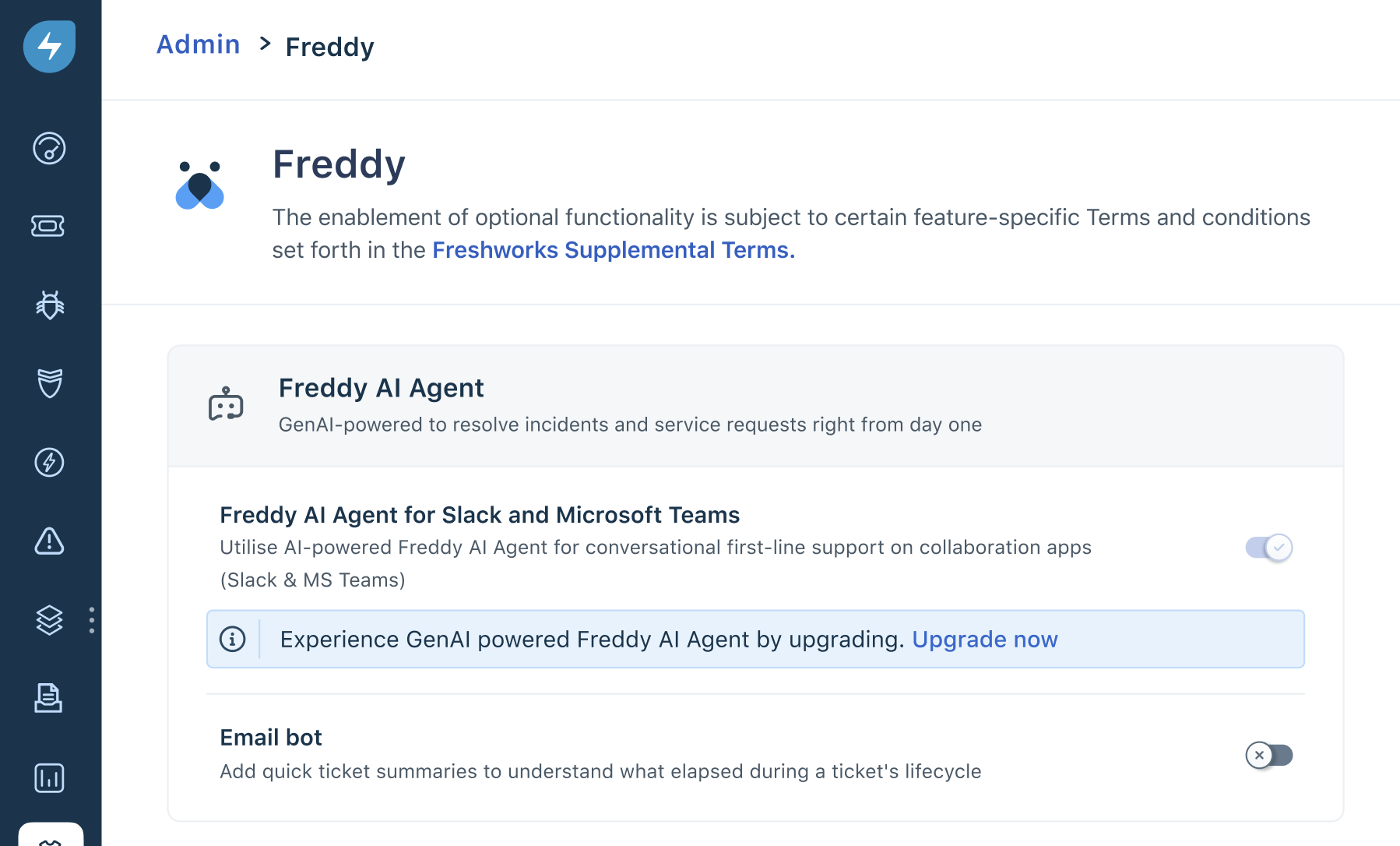
1\. Go to Admin > Freddy AI > Freddy.

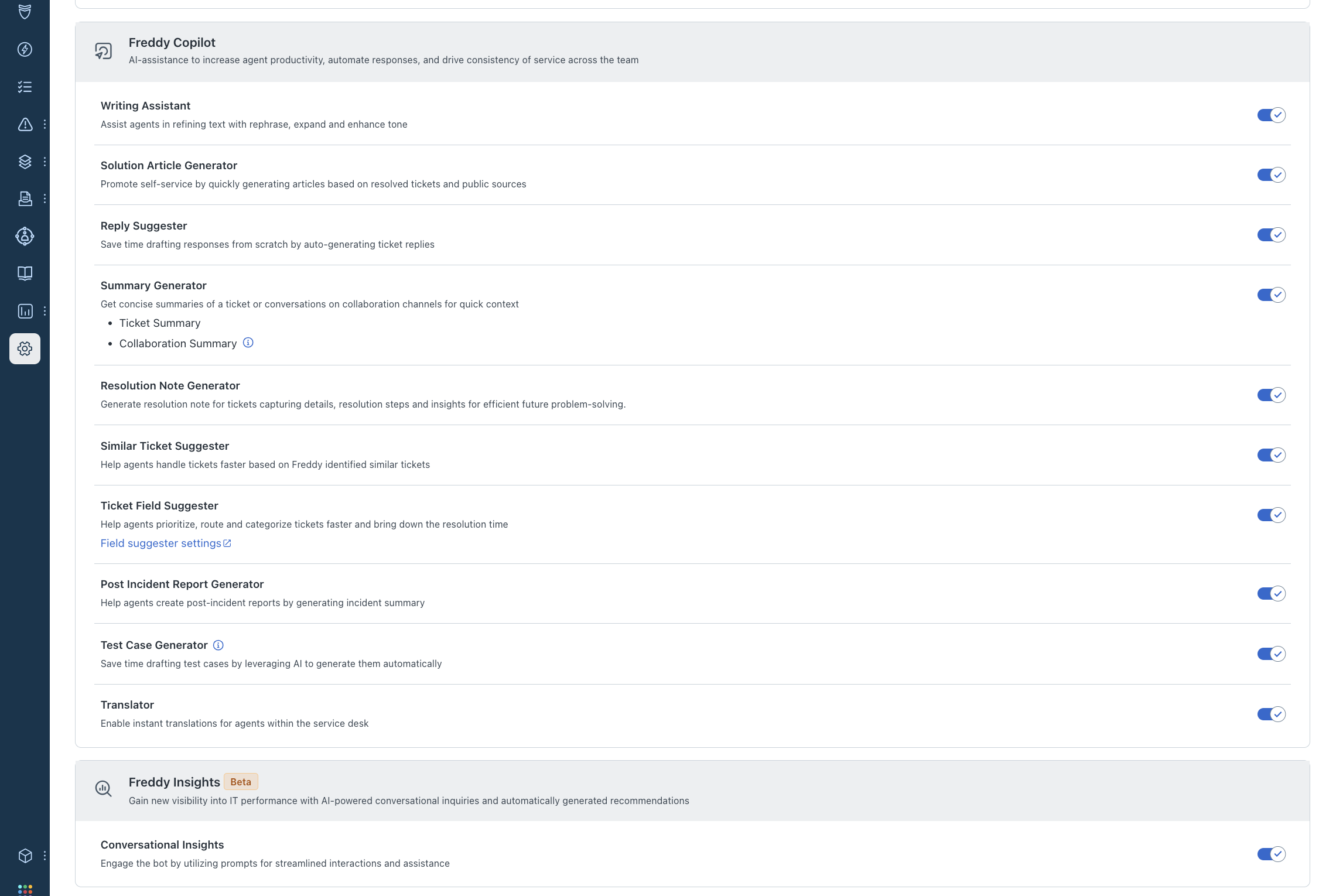
2\. Enable the toggle for features you want to explore.
GPT-based features for Freshservice
Freddy AI Agent
With Freddy AI Agent, resolve incidents and service requests with generative AI-powered support that is ready to start helping you from day one.

Freddy Copilot
Enable AI-assistance to increase agent productivity, automate responses, and drive consistency of service across the team.

Freddy Insights
Gain new visibility into IT performance with AI-powered conversational inquiries and automatically generated recommendations.
