Last updated: 2023-04-11
Source: https://support.freshdesk.com/support/solutions/articles/226298-where-how-do-you-link-tickets-
Go to the Tickets Tab > Click on the required ticket > Expand the 'Linked Tickets' panel on the extreme right > Create a new tracker or choose to link it to an existing tracker.
This feature is available only from the Pro/Garden Plan onwards in Freshdesk.
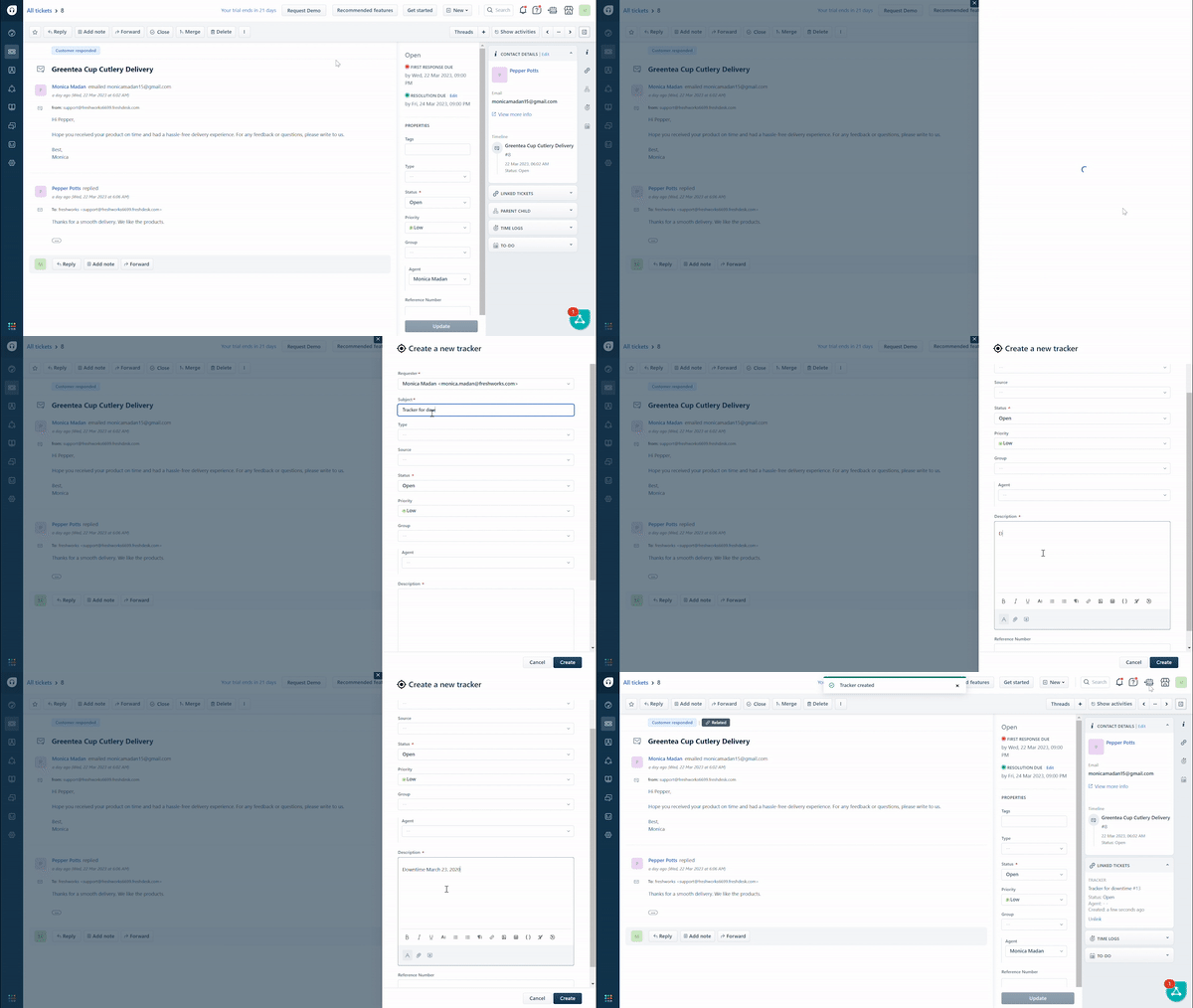
Click here to know more about Linked tickets.