Last updated: 2026-04-06
Source: https://support.freshdesk.com/support/solutions/articles/50000011732-workflow-library-in-freshdesk
Workflows define how your AI Agent performs a task or interacts with customers. Each workflow is composed of a series of steps, or “blocks,” such as collecting user details, applying conditions, performing API actions, or transferring conversations to agents. These workflows guide the AI Agent to respond intelligently and perform tasks without human intervention. Learn more about building a Workflow from scratch.
| |
Benefits of Pre-built Workflows
Pre-built workflows save time by offering ready-to-use configurations designed for common use cases. Instead of building from scratch, you can select and modify these workflows to fit your business needs. This ensures faster setup, reduced manual effort, and consistent, high-quality responses from your AI Agent.
For example, the Order Status Workflow handles queries like “Where is my order?” or “I want to cancel my order.”
The workflow automatically:
This ensures your AI Agent can efficiently manage repetitive tasks, offer real-time updates, and provide a seamless customer experience.
Add Pre-built Workflows to AI Agents
To add a pre-built workflow to an AI Agent,
1. Click AI Agent Studio \> Library \> Workflows.
2. On the Workflows Library page, click Pre-built Workflows tab to view the list of all the available workflow templates.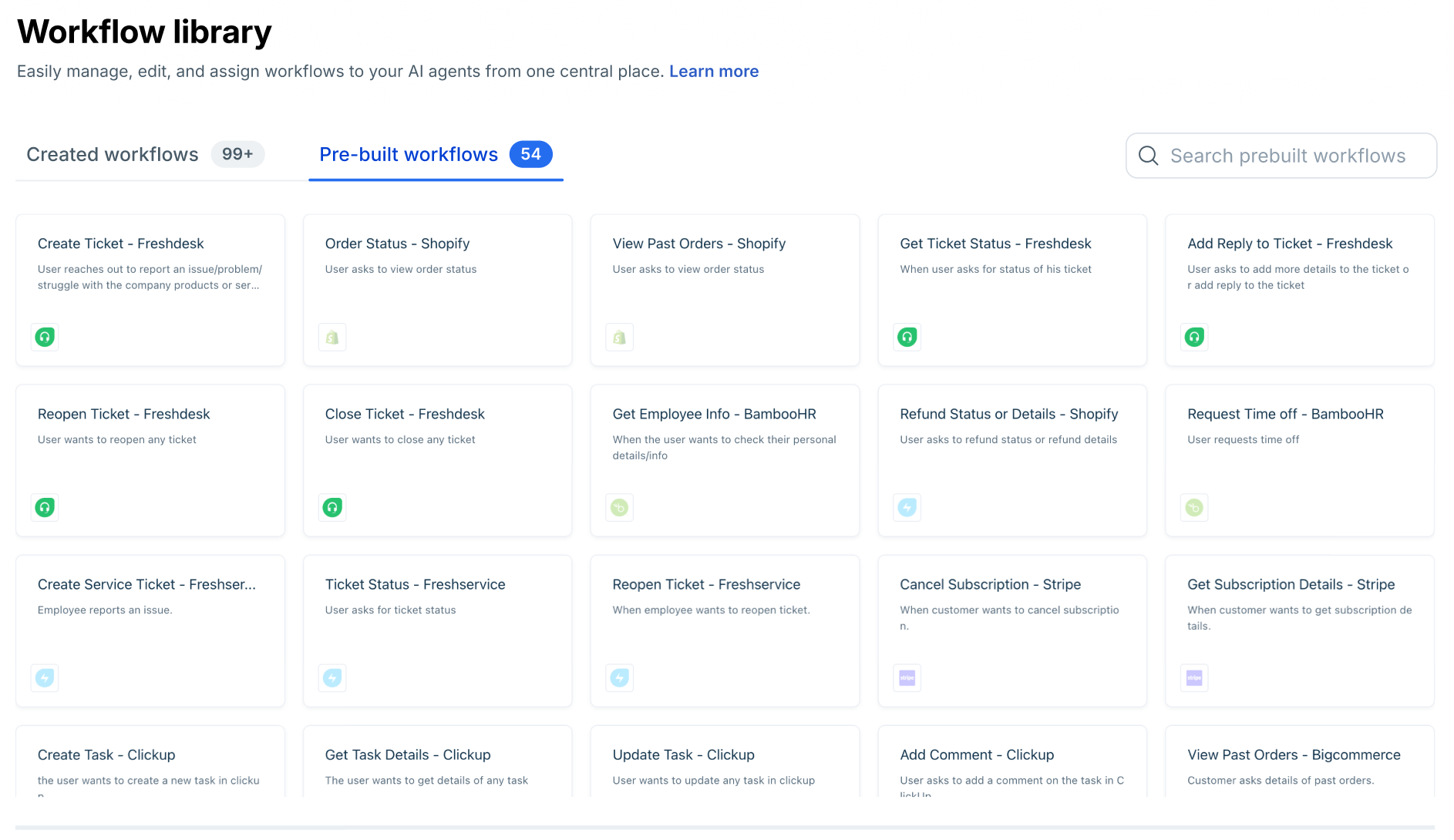
3. Click on a Workflow to view the blocks or sections that make up the Workflow. 4. Hover on a Workflow and click +Use to add the Workflow to an Agent and make changes as needed for deploying the AI Agent.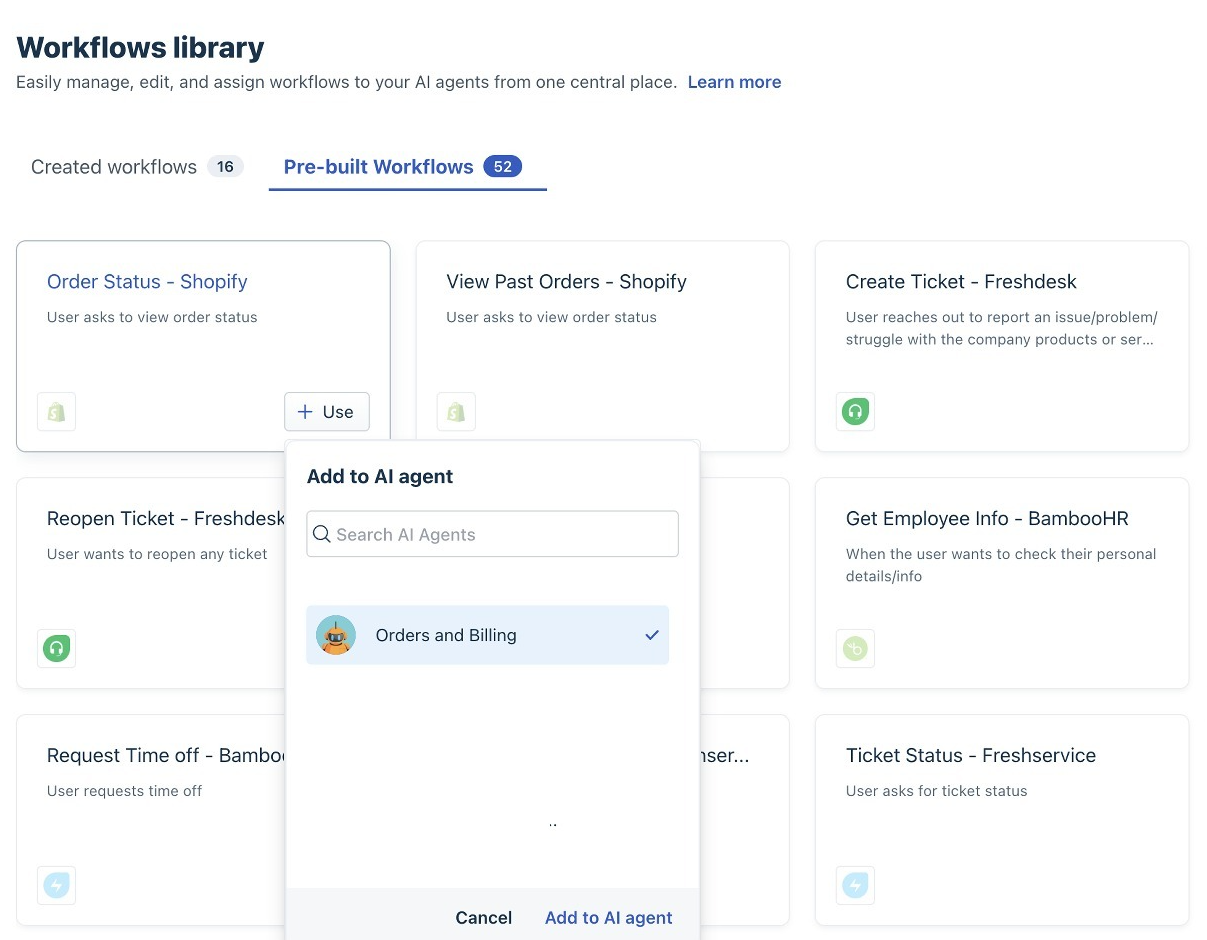
The Library of AI Agents offers many AI Agent templates that include multiple pre-built Workflows. Learn more about AI Agent library.
The following is the list of apps available as integrations to these workflows:
01. Adyen 02. Amadeus 03. Asana 04. BambooHR 05. BigCommerce 06. Bird 07. Calendly 08. ClickUp 09. DHL 10. Easyship 11. Expensify 12. FedEx 13. Freshdesk 14. Freshsales 15. Freshservice 16. Google Calendar 17. HubSpot 18. Jira 19. Jira Service Desk 20. Klaviyo 21. Linear 22. Magento 23. Mailchimp 24. Microsoft Entra ID 25. Monday.com 26. Okta 27. PayPal 28. PayU GPO 29. PingOne 30. Pipedrive 31. Plaid 32. Razorpay 33. Salesforce 34. Salesforce Service Cloud 35. ServiceNow 36. Shippo 37. Shiprocket 38. ShipStation 39. Shopify 40. Square 41. Stripe 42. SugarCRM 43. SurveyMonkey 44. Trello 45. Twilio 46. Wix 47. WooCommerce 48. Workday 49. Zendesk 50. Zoho CRM