Last updated: 2025-02-18
Source: https://support.freshdesk.com/support/solutions/articles/226201-how-to-create-a-parent-ticket-
Quick guide to set up Parent Child Ticketing:
1. Log in to your Freshdesk portal as an Administrator. 2. Go to Admin \> Support Operations > Advanced Ticketing. 3. Enable the toggle for Parent-Child Ticketing.
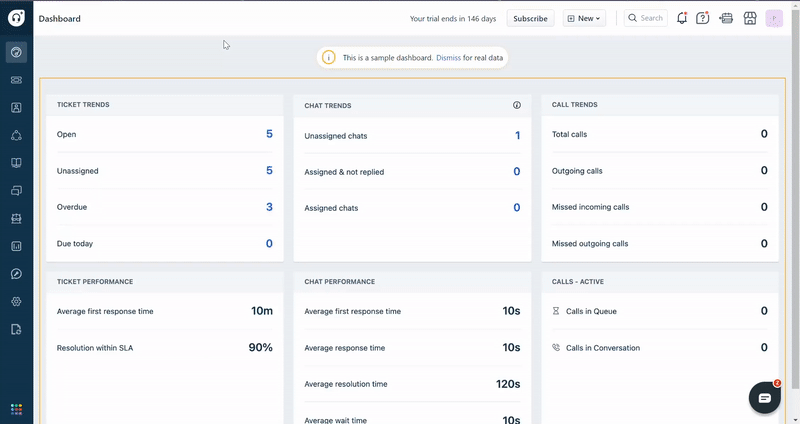
Parent-Child Ticketing will now be enabled in your account.
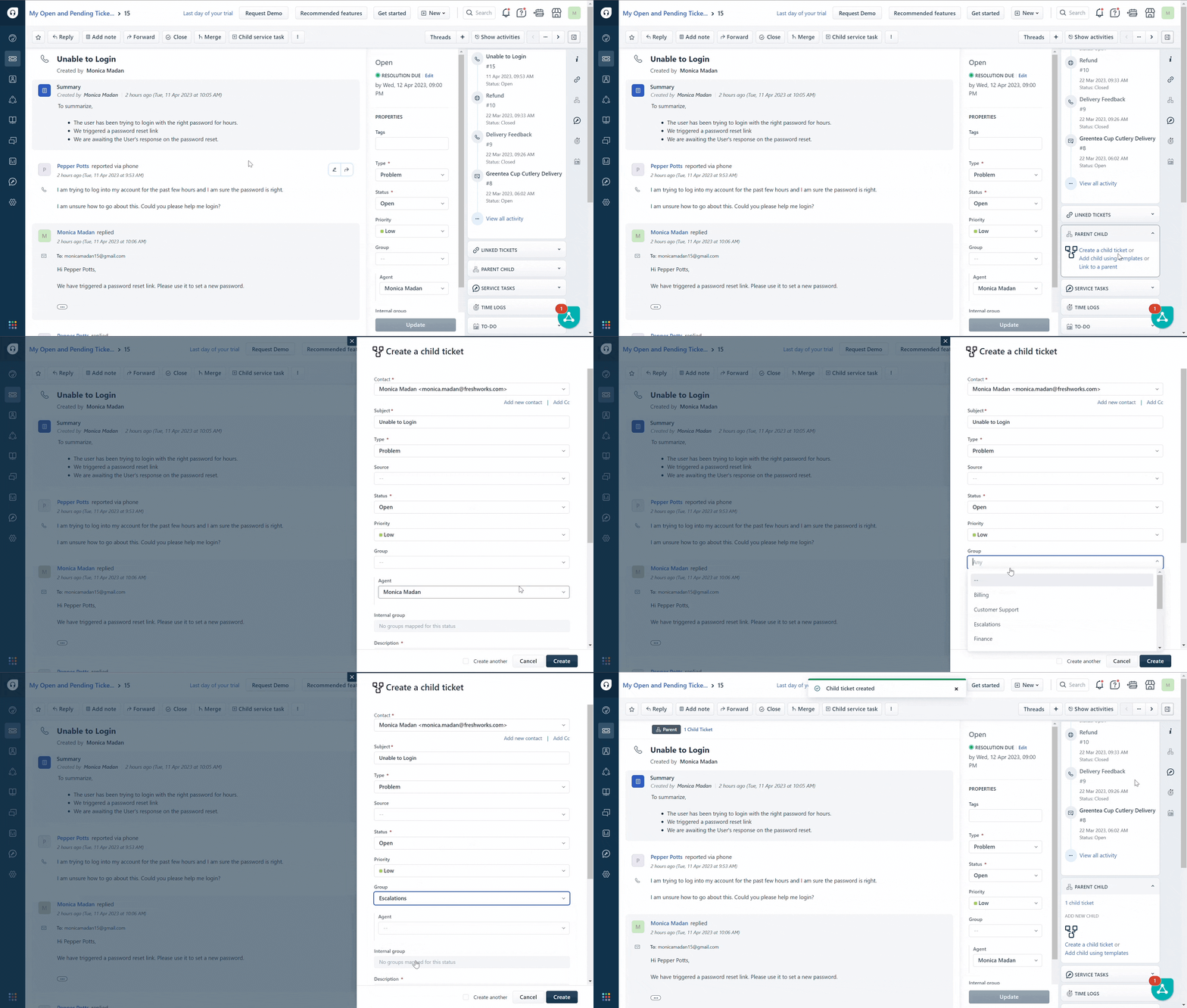
To create a parent-child relationship, add a child ticket to any existing or new ticket.