Last updated: 2026-04-06
Configurations in AI Agent
Fine-tune your agent’s conversation behavior, multilingual responses, identity, and escalation flow using the Configurations settings in AI Agent. They allow administrators to control how the agent interacts with users, which languages it supports, how conversations are handed over or closed, and how the agent appears to end users. This article explains each configuration option and provides steps to manage them effectively.
Prerequisites
Before configuring your AI Agent, ensure,
Overview of configurations in AI Agent
The following configuration options are available for your AI Agent:
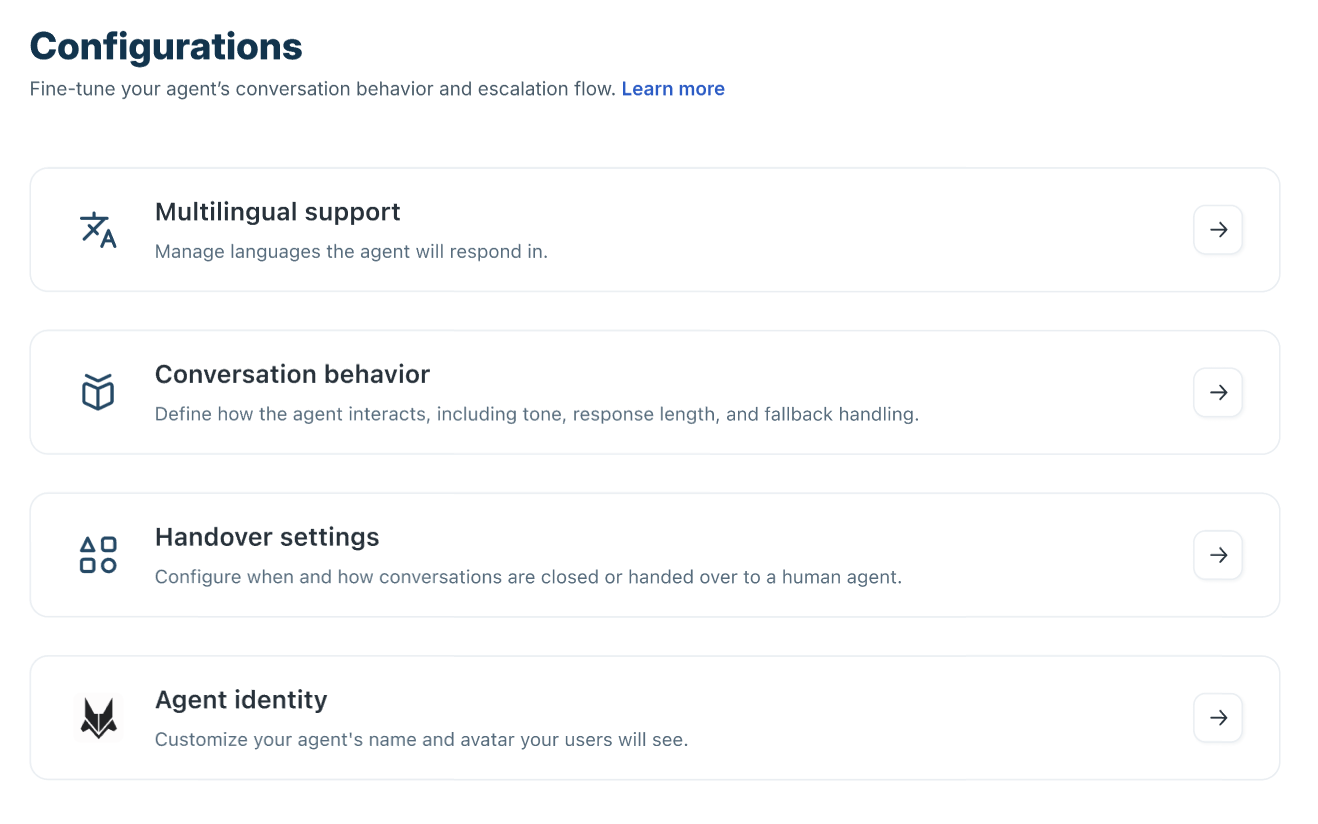
These settings collectively determine how your AI Agent behaves across channels and how smoothly it escalates conversations when needed.
Manage multilingual support
Multilingual support enables the AI Agent to reply in various languages depending on user input. Choose from the pre-configured list of supported languages—click the 'See supported languages' link to see them. This feature guarantees a consistent user experience across different regions and customer groups.
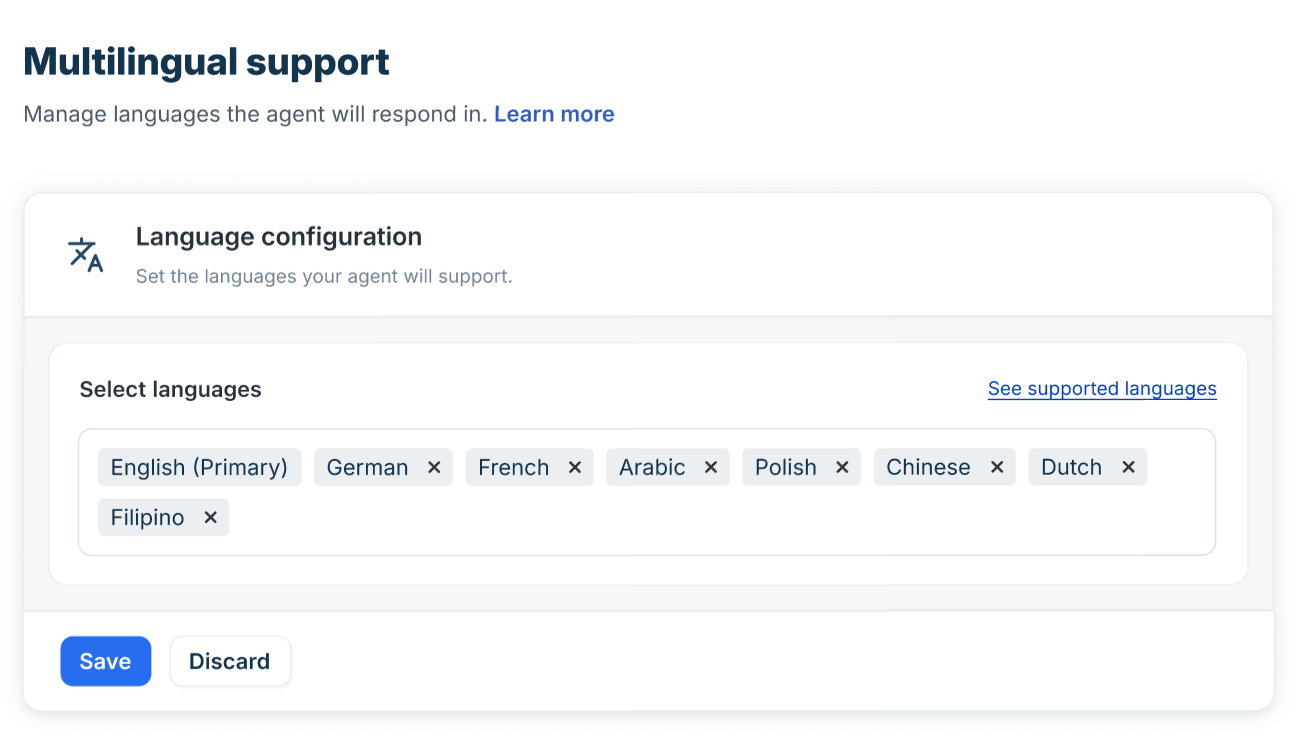
How multilingual support works
``` Note: Ensure your knowledge files, solution articles, and QnA support the selected languages for accurate responses. ```
Manage conversation behaviour
The Conversation behaviour settings help you standardize greetings, handle unanswered queries, collect structured information, and manage conversation closure or escalation.
You can,
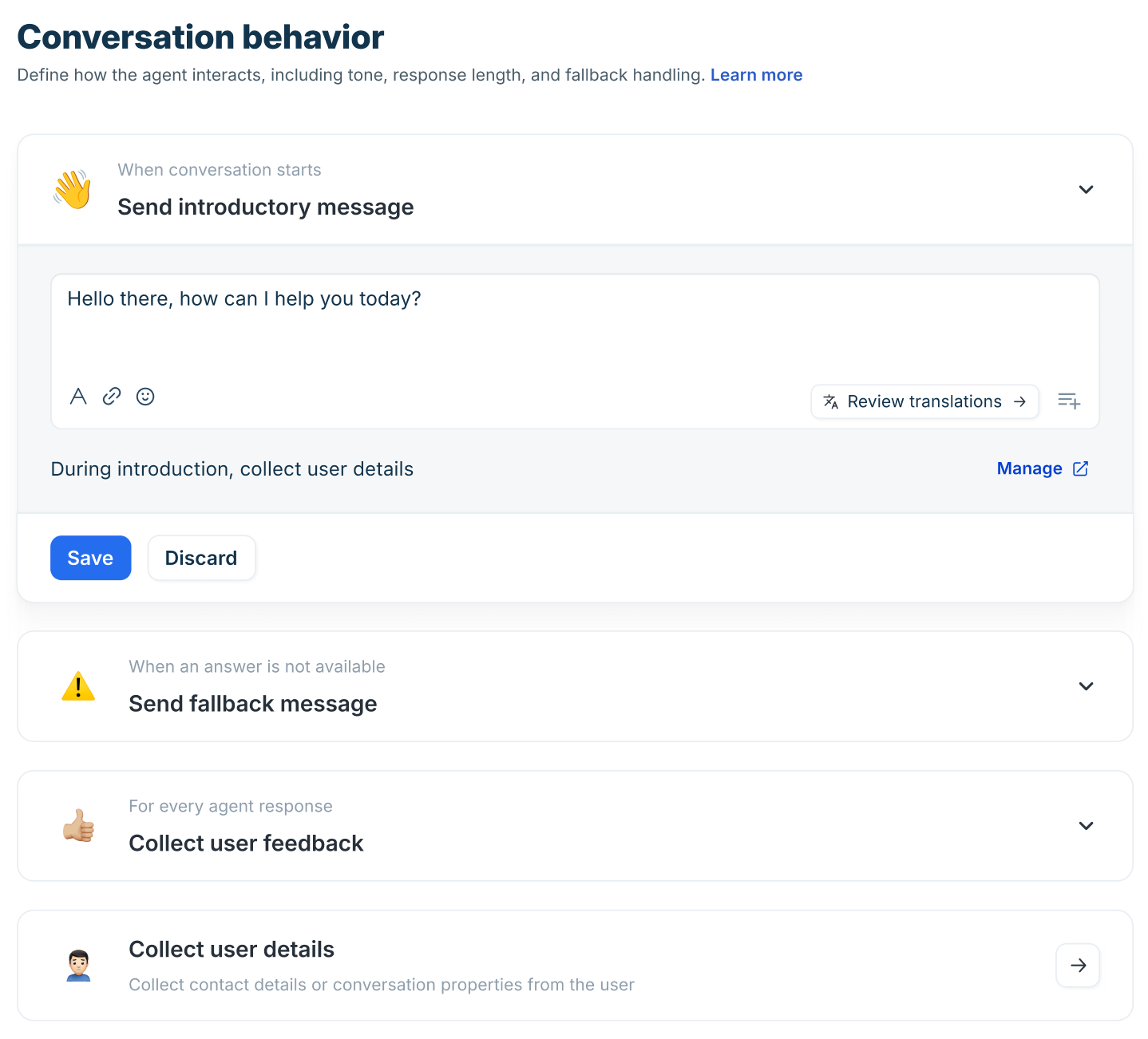
For detailed capability explanations and advanced configuration guidance, see Configure conversation behaviour for AI Agents.
Manage handover settings
The Handover settings determine when conversations are transferred to a human agent or automatically closed, ensuring a smooth escalation without disrupting the customer experience.
You can,
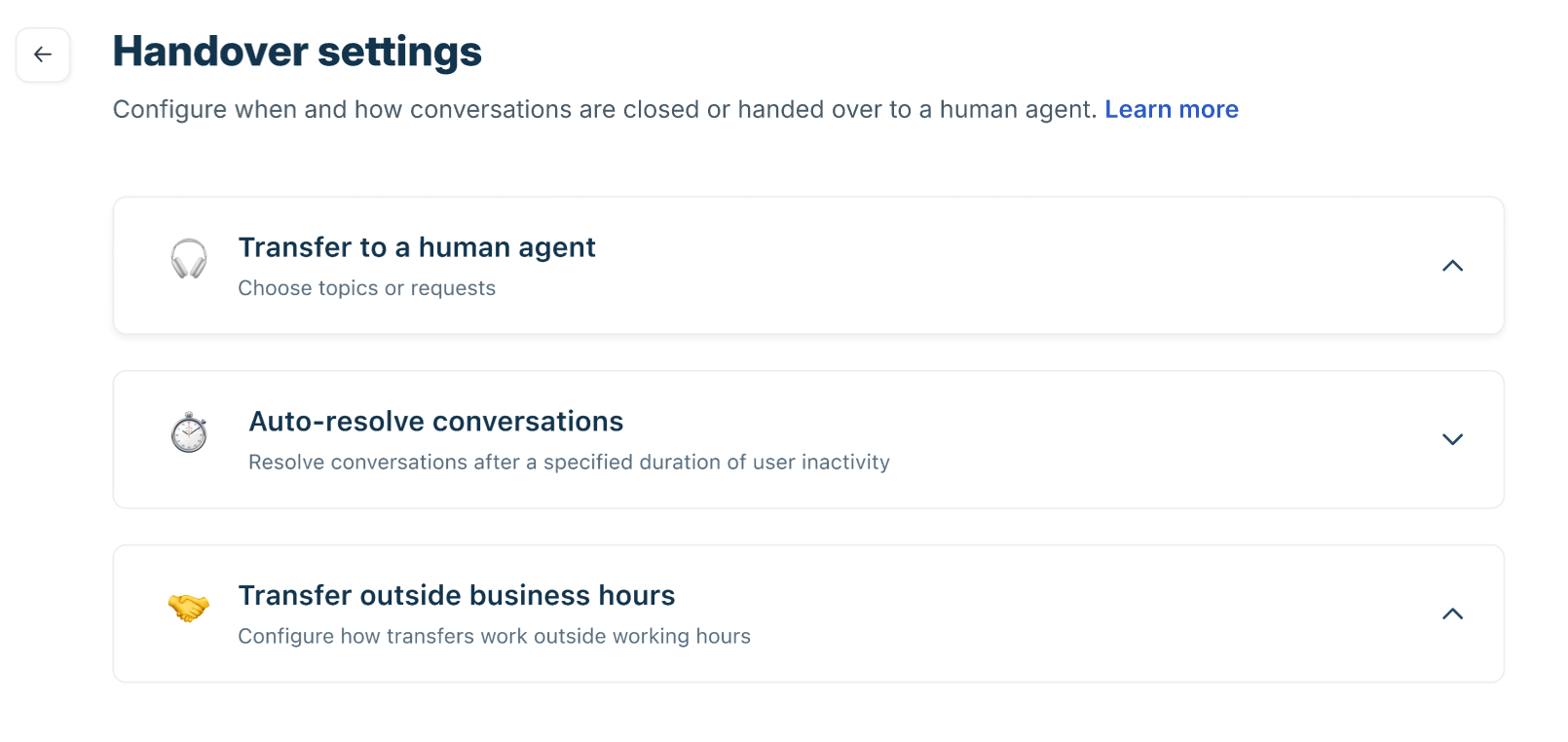
For detailed capability explanations and advanced configuration guidance, see Configure handover settings for AI Agents.
``` Note: When you enable an AI Agent for a Web Chat topic, the default topic-level Away Experience will be disabled. Instead, the AI Agent–level handoff experience will be applied to that specific Web Chat topic. ```
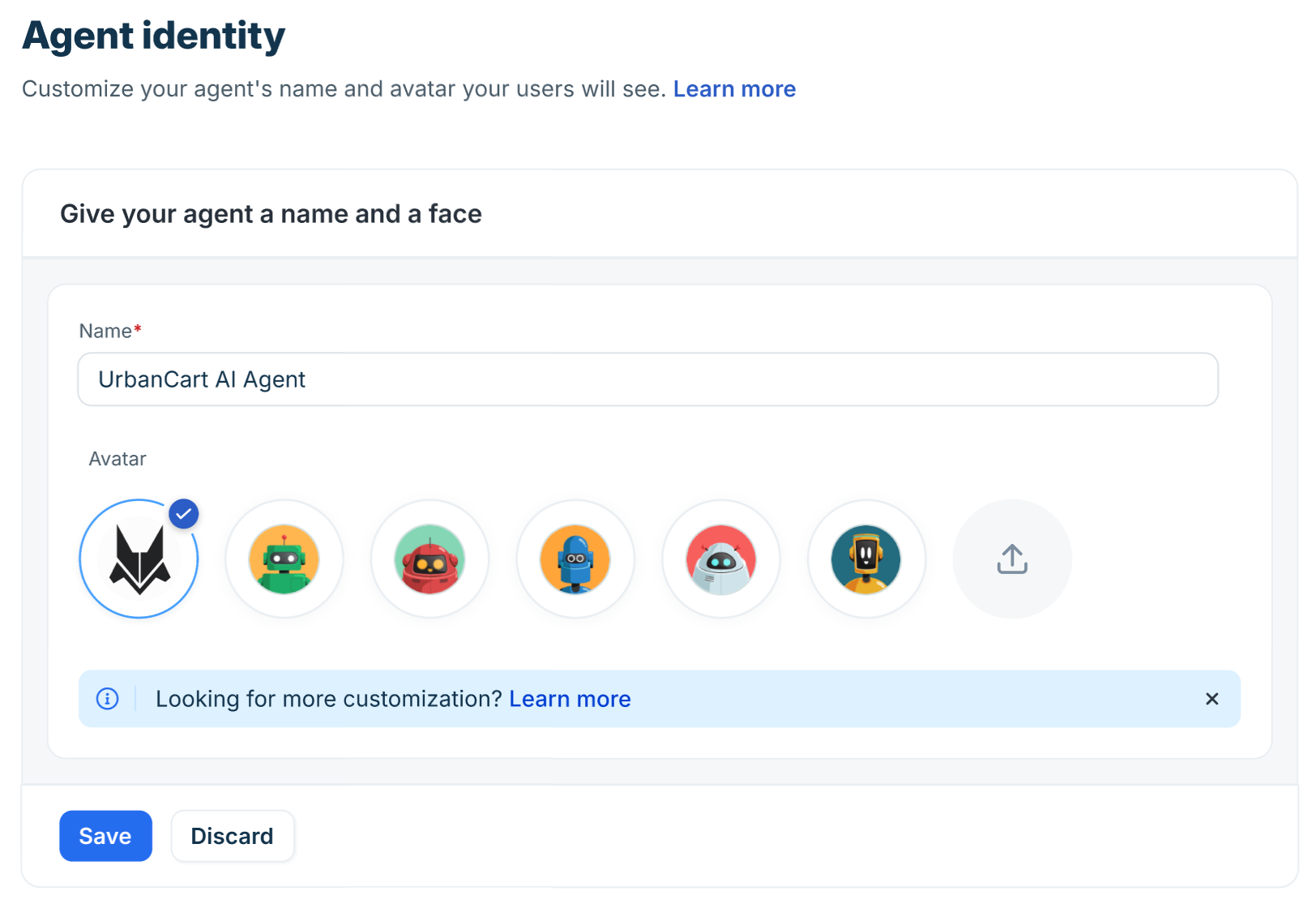
Manage agent identity
The Agent identity setting controls how your AI Agent appears to end users. A well-defined identity increases user trust and improves engagement.
You can customize,
Best practices for configurations
Follow these best practices to ensure your AI Agent configurations deliver a consistent and scalable support experience:
Periodically audit these settings to maintain optimal automation performance and a balanced human–AI support workflow.