Last updated: 2025-12-01
WhatsApp usage metrics enable admins to monitor the usage metrics for each WhatsApp number integrated with the Freshdesk account from a unified screen.
``` Note: WhatsApp Business charges are based on the message category — Marketing, Utility, Authentication, or Service — and vary based on the recipient’s country code. ```
To check your WhatsApp usage metrics:
1. Go to Admin > Channels > WhatsApp. 2. Click U tilization.
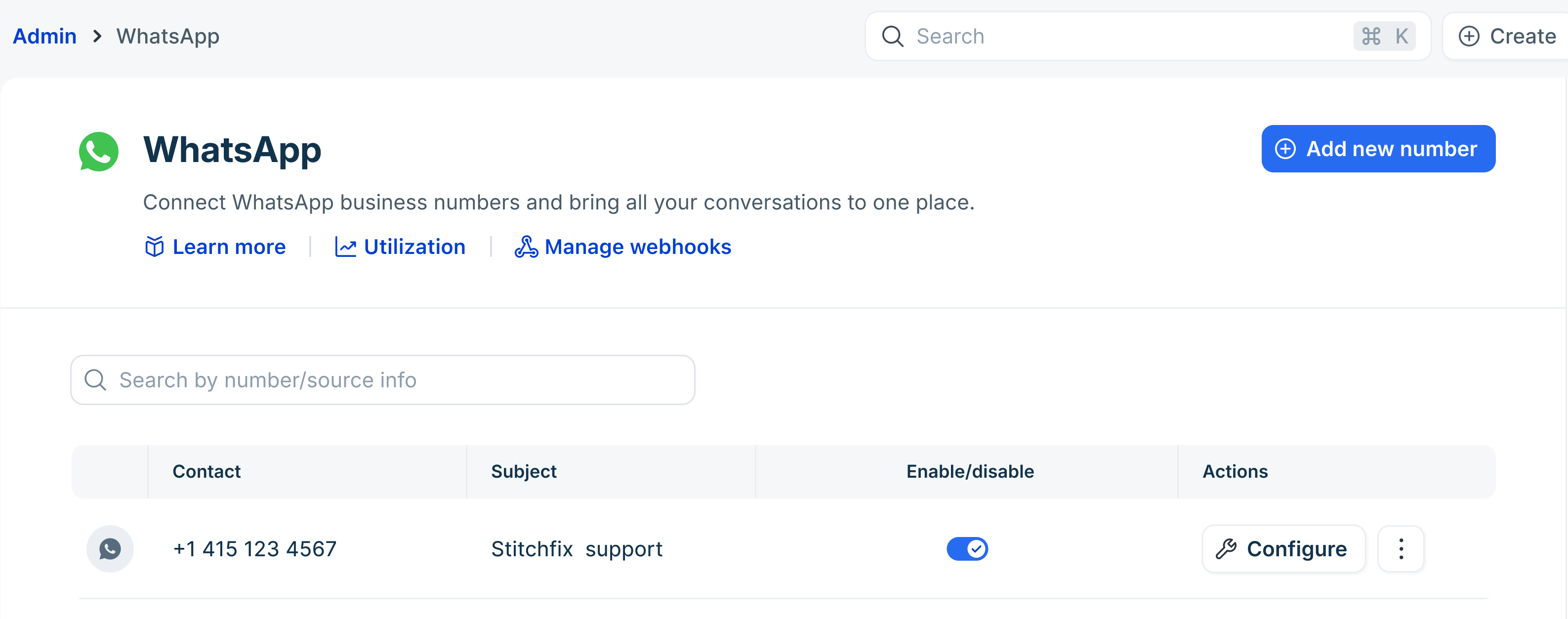 3. Here you can see the total monthly summary of messages utilized, along with the corresponding costs. This includes a breakdown by Marketing, Utility, Authentication, and Free messages.
``` Utilization before July 2025 For conversations before July 2025, the breakdown will follow the earlier model—categorized into business-initiated, user-initiated, and free conversations, along with the respective monthly costs. ```
Please contact support@freshdesk.com for any further assistance.