Using Single Sign-On, your users could get automatically authenticated while logged in to your common Login option. For example, if you have a website or dashboard where your users log in and would like to use the same to access Freshdesk, you could make use of Single Sign-On.
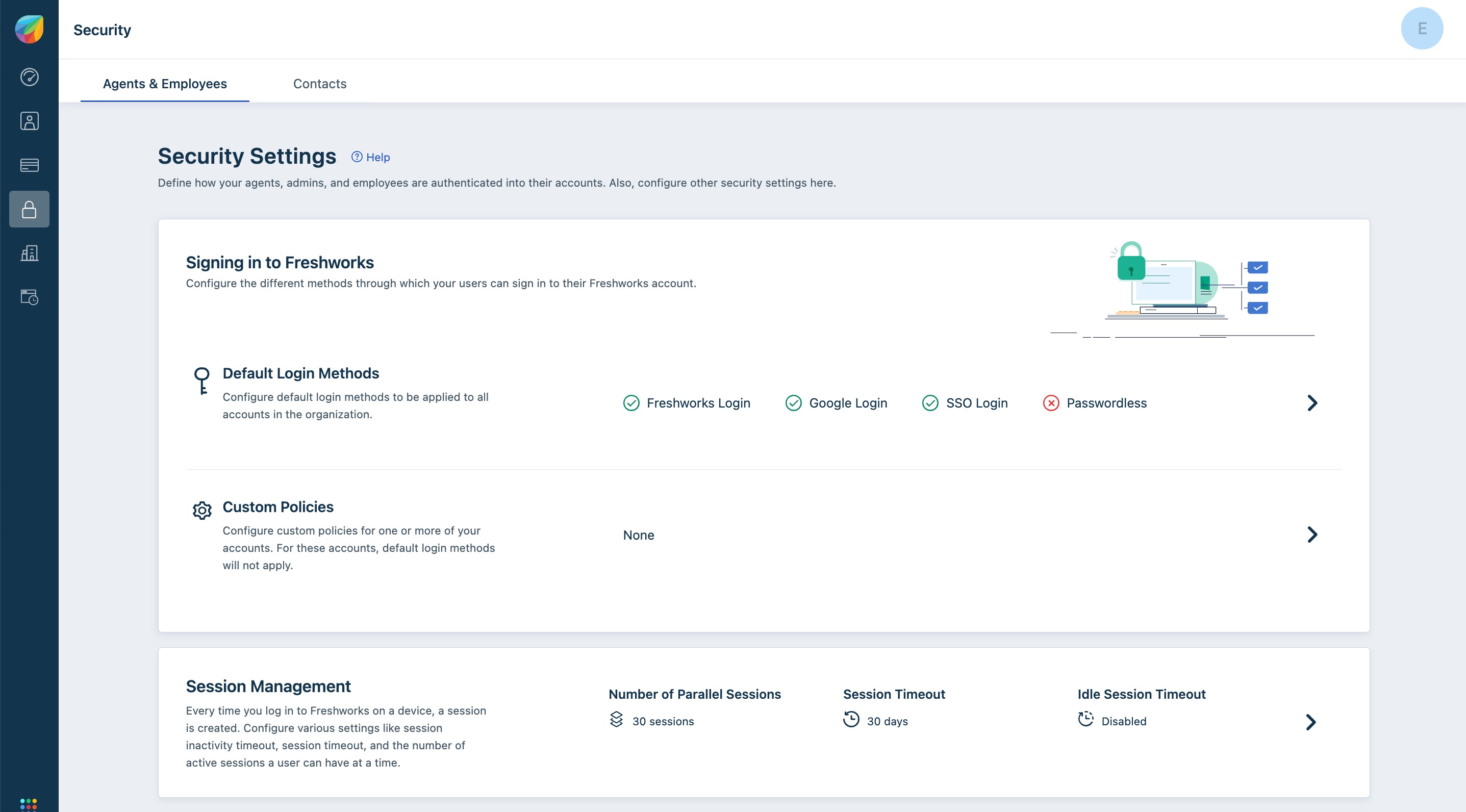
You could configure Single Sign-On within Freshdesk by going through your Freshworks Org page. You can access the Org page by clicking on the Freshworks switcher icon on the bottom left corner and click on Security under your Freshworks Org URL and turning on "Single-Sign-On". You could then choose between Simple or SAML SSO to proceed with the configuration.
Var artikeln till hjälp?
Toppen!
Tack för din feedback
Vi beklagar att det inte var till hjälp
Tack för din feedback
Feddback skickat
Vi uppskattar din feedback och uppdaterar artikeln vid behov