To install Servicebot for Slack, you must have Admin access in Freshservice and permission to install apps in Slack
For Admins:
To set up Servicebot for Slack, follow the steps below.
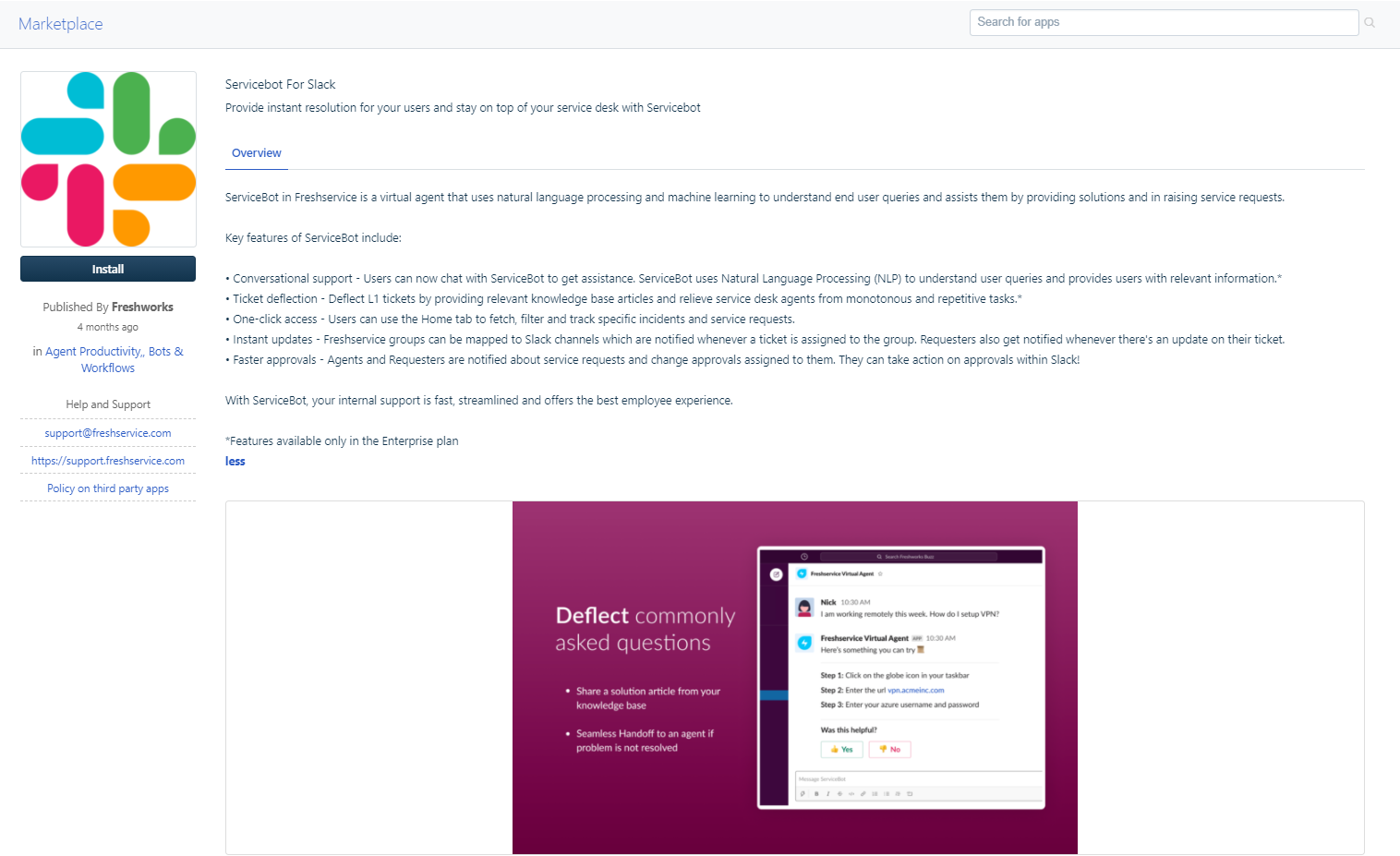
Log into your Freshservice account, and navigate to Admin → Apps → Get More Apps → Search for ServiceBot for Slack.
Navigate to the app listing and click on the Install button.
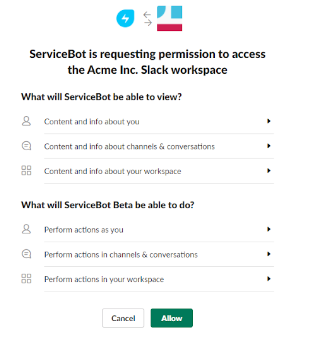
In the next screen, you’ll be asked permission to allow ServiceBot to access your workspace. You can permit ServiceBot by clicking on Allow.
Your servicebot is ready to go. If you wish to activate/deactivate ServiceBot, you can do it from the Apps section
For Agents:
- Once the admin installs the Servicebot in slack, agents can add the Servicebot to their slack easily.
- Use the global search bar in Slack and search for Service bot.
- Click “Connect” to get started.
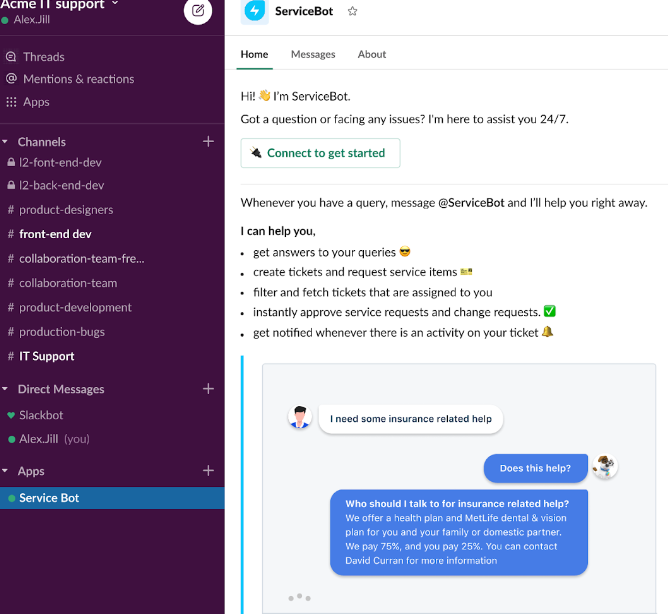
- In the next screen, agents will be asked for permission required for ServiceBot. You can give permission to ServiceBot by clicking on Allow.
Mapping Slack Channels to Freshservice Agent Groups
Collaboration is inevitable in a work environment. But when agents need to collaborate, switching between Slack and Freshservice hinders their productivity to a great extent.
With the ServiceBot, you can map Freshservice groups to your internal Slack channels, enabling all agents within a team to stay on top of their group-wise ticket updates.
1. Navigate to the homepage and click on the Settings option
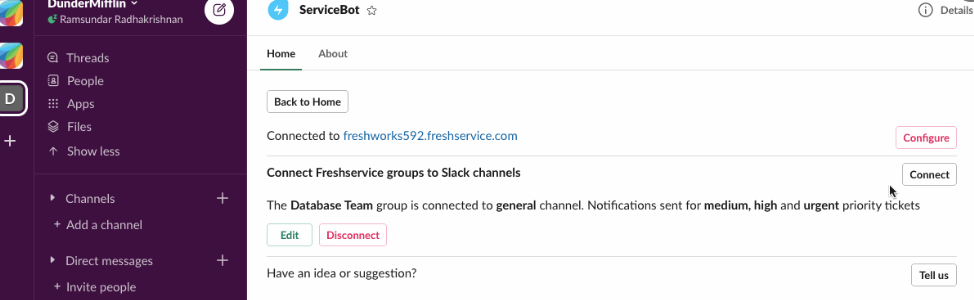
- 2. Click on Connect to create a new group-channel mapping. An agent group can be mapped only to one Slack channel and vice versa.
3. You can choose the priority of tickets that should be notified to a channel. For example, you can choose to notify the Change-team Slack channel with only the urgent priority tickets assigned to the Change Team on Freshservice.
4. Click on Disconnect to delete a Group-Channel mapping
Var artikeln till hjälp?
Toppen!
Tack för din feedback
Vi beklagar att det inte var till hjälp
Tack för din feedback
Feddback skickat
Vi uppskattar din feedback och uppdaterar artikeln vid behov