Last updated: 2025-11-18
``` Note: This feature works the same across all Freshservice products. Some screenshots or articles may reflect older designs, but the functionality remains unchanged. If certain options do not appear in your account, they may not be included in your current plan. ```
Employee support in organizations relies on ticketing and email, making quick support almost inaccessible. Employees have to wait around for their issues to be fixed resulting in a loss of their productivity. This disgruntlement of your employees can directly impact the CSAT ratings for your agents.
If great employee experience is the prime focus for your organization, interactive employee support will be a boon in boosting experience.
With Freshchat integration, enable your agents to have real-time conversations with your requesters to understand and resolve their issues faster. The integration eases ticket resolution for agents by allowing them to seamlessly support issues in real-time right from their service desk environment.
With Freshchat integration agents can perform the following actions from right from chats:
How do you set it up?
Note: If you've already set up the integration from Freshchat using the portal customization settings in Freshservice/FSBT, follow the below steps to enable the Freshchat widget for your agents right within Freshservice/FSBT. This will not affect your existing configurations.
1. Navigate to Admin > General Settings > Support Channels > Chat

1. You can either create a new trial account (valid for 14 days) or you can link your existing Freshchat account.
To link an existing account,

Chat Settings
Once you complete your integration setup, you can manage your chat settings from Admin > General Settings > Support Channels > Chat
Enabling Chat on Support Portal

To enable the chat widget on your support portal, enable this toggle to help requesters reach out to your agents via chat.

If you have an MSP account, you can choose to enable the widget for all your support portals or for selected ones.
Bringing Freshchat to your Website

You can embed the Freshchat widget in any websites that you have hosted for your employees. Click Copy from Freshchat and paste the code in the website of your choice.
Converting Freshchat Conversation into Tickets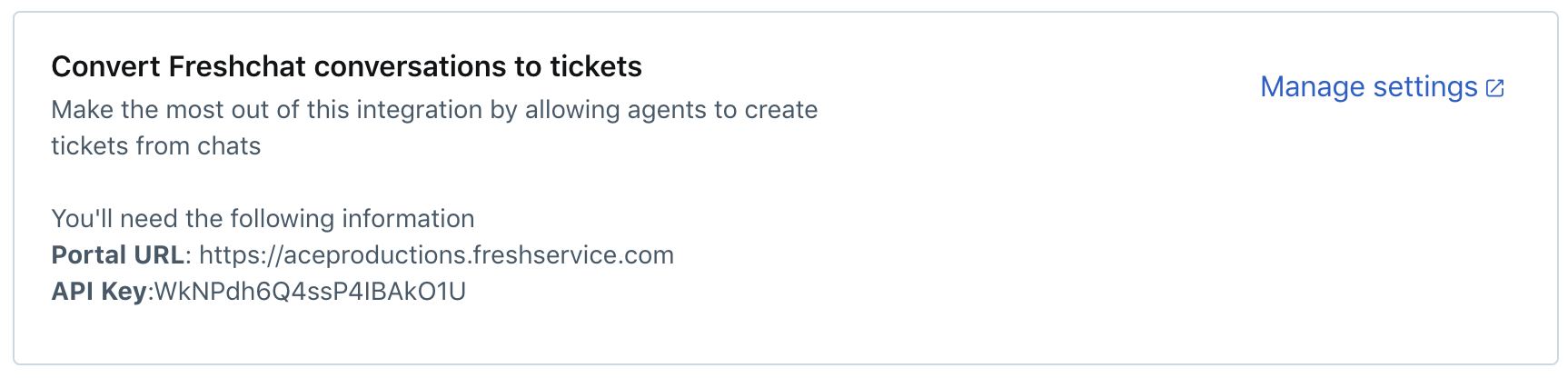
Agents can convert their conversations with requesters into tickets in your service desk. To enable this and to define how these tickets are created, click Manage Settings.

- Non-Editable: You can set the field to a default value and make it non-editable
- Editable: Agents can edit the field
- Editable and mandatory: Agents are mandated to update this field.
Now that you're done setting up the integration, check out our article here to see how the integration experience is for agents and requesters.