Last updated: 2021-06-25
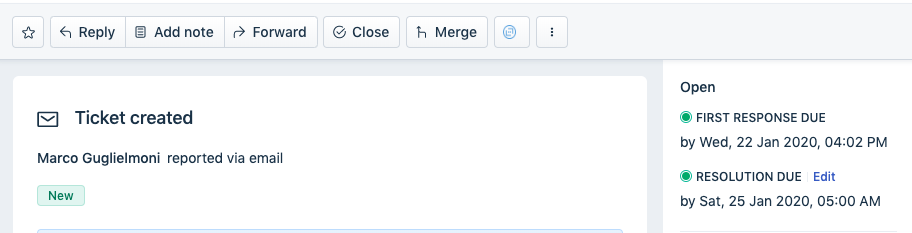
Go to the Tickets tab -> click on a ticket, in the Ticket details page, you'll find the 'Edit' option right above the Subject of the ticket.
Note:
1) The option to change the due date will only show up when the ticket is assigned to statuses that have the SLA timer ON (example: Open).
You can check which statuses have their SLA timers ON or OFF under Admin > Workflows > Ticket Fields > Status field. Once a manual change is done to the Due Time of a ticket, it will not change again when the ticket properties (for example, a change in priority) are updated.
2) The due by date and time can always be updated only to a value greater than the First response time, which is the 'Response due' time on the ticket.