This guide explains how to place an order on a table.
Choose a table using the table map
- Log in to Domino (for information on how to log in, check out Logging in to Domino ).
- Select the Table tab :

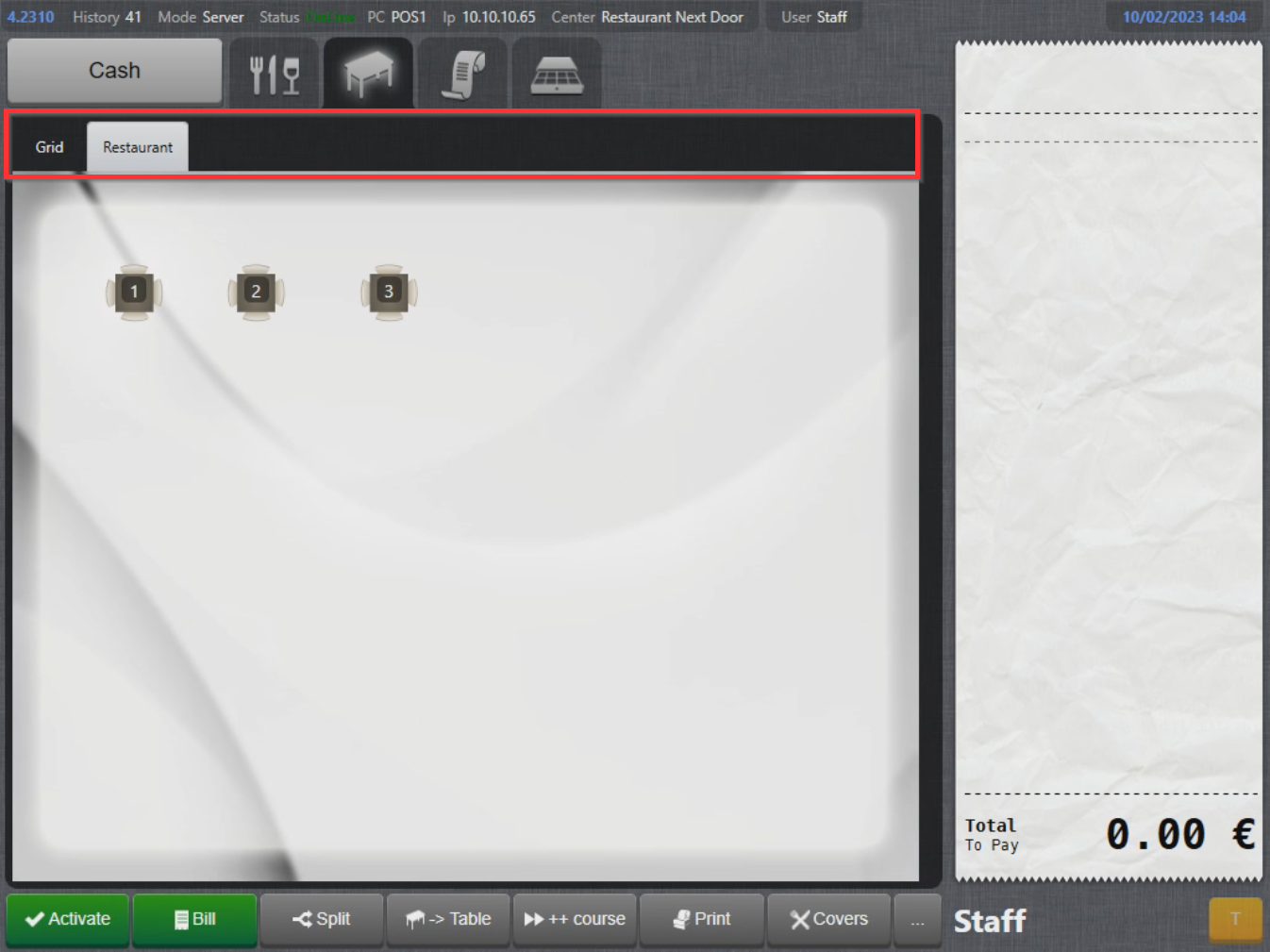
- To navigate between different departments and switch to Grid, select the tabs above the table map:
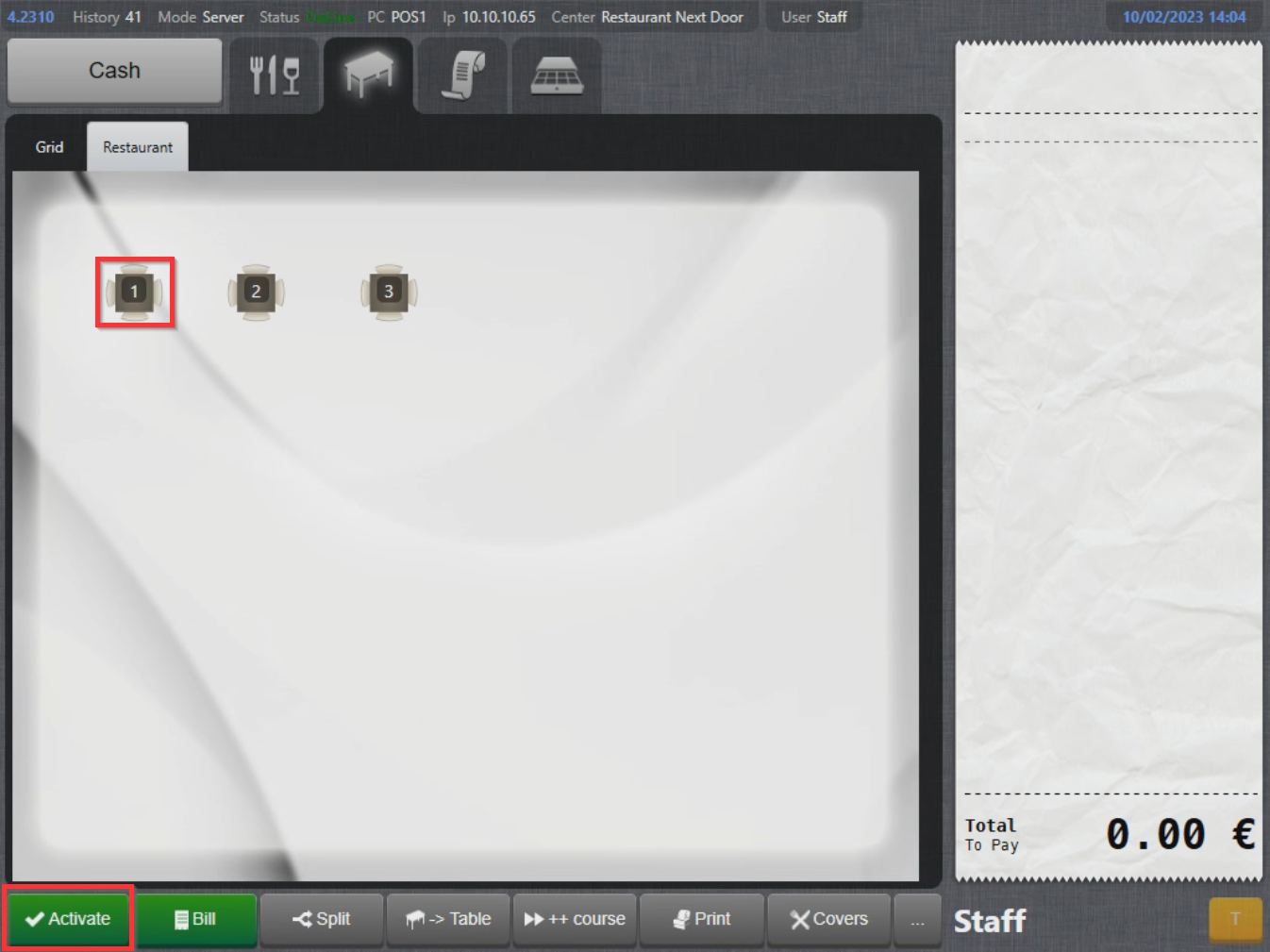
- To start using a table, select a table and select Activate :
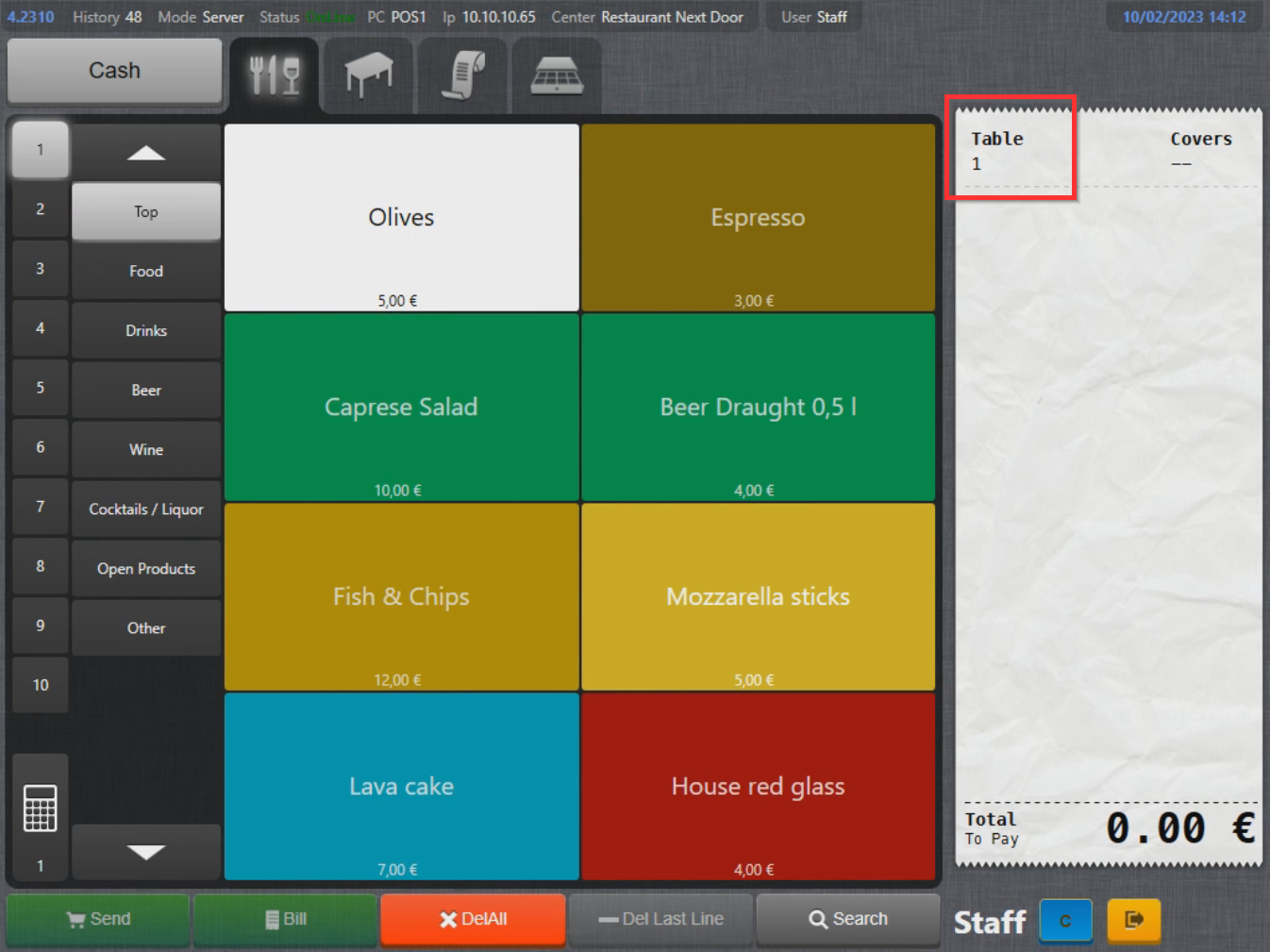
- The product page appears with a slight change and above the order list you will notice that table 1 is selected:
Var artikeln till hjälp?
Toppen!
Tack för din feedback
Vi beklagar att det inte var till hjälp
Tack för din feedback
Feddback skickat
Vi uppskattar din feedback och uppdaterar artikeln vid behov